A list of top frequently asked Operating System interview questions and answers are given below.
1) What is an operating system?
The operating system is a software program that facilitates computer hardware to communicate and operate with the computer software. It is the most important part of a computer system without it computer is just like a box.
2) What is the main purpose of an operating system?
There are two main purposes of an operating system:
It is designed to make sure that a computer system performs well by managing its computational activities.
It provides an environment for the development and execution of programs.
3) What are the different operating systems?
Batched operating systems
Distributed operating systems
Timesharing operating systems
Multi-programmed operating systems
Real-time operating systems
4) What is a socket?
A socket is used to make connection between two applications. Endpoints of the connection are called socket.
5) What is a real-time system?
Real-time system is used in the case when rigid-time requirements have been placed on the operation of a processor. It contains a well defined and fixed time constraints.
6) What is kernel?
Kernel is the core and most important part of a computer operating system which provides basic services for all parts of the OS.
7) What is monolithic kernel?
A monolithic kernel is a kernel which includes all operating system code is in single executable image.
8) What do you mean by a process?
An executing program is known as process. There are two types of processes:
Operating System Processes
User Processes
9) What are the different states of a process?
A list of different states of process:
New Process
Running Process
Waiting Process
Ready Process
Terminated Process
10) What is the difference between micro kernel and macro kernel?
Micro kernel: micro kernel is the kernel which runs minimal performance affecting services for operating system. In micro kernel operating system all other operations are performed by processor.
Macro Kernel: Macro Kernel is a combination of micro and monolithic kernel.
11) What is the concept of reentrancy?
It is a very useful memory saving technique that is used for multi-programmed time sharing systems. It provides functionality that multiple users can share a single copy of program during the same period.
It has two key aspects:
The program code cannot modify itself.
The local data for each user process must be stored separately.
12) What is the difference between process and program?
A program while running or executing is known as a process.
13) What is the use of paging in operating system?
Paging is used to solve the external fragmentation problem in operating system. This technique ensures that the data you need is available as quickly as possible.
14) What is the concept of demand paging?
Demand paging specifies that if an area of memory is not currently being used, it is swapped to disk to make room for an application’s need.
15) What is the advantage of a multiprocessor system?
As many as processors are increased, you will get the considerable increment in throughput. It is cost effective also because they can share resources. So, the overall reliability increases.
16) What is virtual memory?
Virtual memory is a very useful memory management technique which enables processes to execute outside of memory. This technique is especially used when an executing program cannot fit in the physical memory.
17) What is thrashing?
Thrashing is a phenomenon in virtual memory scheme when the processor spends most of its time in swapping pages, rather than executing instructions.
18) What are the four necessary and sufficient conditions behind the deadlock?
These are the 4 conditions:
1) Mutual Exclusion Condition: It specifies that the resources involved are non-sharable.
2) Hold and Wait Condition: It specifies that there must be a process that is holding a resource already allocated to it while waiting for additional resource that are currently being held by other processes.
3) No-Preemptive Condition: Resources cannot be taken away while they are being used by processes.
4) Circular Wait Condition: It is an explanation of the second condition. It specifies that the processes in the system form a circular list or a chain where each process in the chain is waiting for a resource held by next process in the chain.
19) What is a thread?
A thread is a basic unit of CPU utilization. It consists of a thread ID, program counter, register set and a stack.
20) What is FCFS?
FCFS stands for First Come, First Served. It is a type of scheduling algorithm. In this scheme, if a process requests the CPU first, it is allocated to the CPU first. Its implementation is managed by a FIFO queue.
21) What is SMP?
SMP stands for Symmetric MultiProcessing. It is the most common type of multiple processor system. In SMP, each processor runs an identical copy of the operating system, and these copies communicate with one another when required.
22) What is RAID? What are the different RAID levels?
RAID stands for Redundant Array of Independent Disks. It is used to store the same data redundantly to improve the overall performance.
Following are the different RAID levels:
RAID 0 – Stripped Disk Array without fault tolerance
RAID 1 – Mirroring and duplexing
RAID 2 – Memory-style error-correcting codes
RAID 3 – Bit-interleaved Parity
RAID 4 – Block-interleaved Parity
RAID 5 – Block-interleaved distributed Parity
RAID 6 – P+Q Redundancy
23) What is deadlock? Explain.
Deadlock is a specific situation or condition where two processes are waiting for each other to complete so that they can start. But this situation causes hang for both of them.
24) Which are the necessary conditions to achieve a deadlock?
There are 4 necessary conditions to achieve a deadlock:
Mutual Exclusion: At least one resource must be held in a non-sharable mode. If any other process requests this resource, then that process must wait for the resource to be released.
Hold and Wait: A process must be simultaneously holding at least one resource and waiting for at least one resource that is currently being held by some other process.
No preemption: Once a process is holding a resource ( i.e. once its request has been granted ), then that resource cannot be taken away from that process until the process voluntarily releases it.
Circular Wait: A set of processes { P0, P1, P2, . . ., PN } must exist such that every P[ i ] is waiting for P[ ( i + 1 ) % ( N + 1 ) ].
Note: This condition implies the hold-and-wait condition, but it is easier to deal with the conditions if the four are considered separately.
25) What is Banker’s algorithm?
Banker’s algorithm is used to avoid deadlock. It is the one of deadlock-avoidance method. It is named as Banker’s algorithm on the banking system where bank never allocates available cash in such a manner that it can no longer satisfy the requirements of all of its customers.
26) What is the difference between logical address space and physical address space?
Logical address space specifies the address that is generated by CPU. On the other hand physical address space specifies the address that is seen by the memory unit.
27) What is fragmentation?
Fragmentation is a phenomenon of memory wastage. It reduces the capacity and performance because space is used inefficiently.
28) How many types of fragmentation occur in Operating System?
There are two types of fragmentation:
Internal fragmentation: It is occurred when we deal with the systems that have fixed size allocation units.
External fragmentation: It is occurred when we deal with systems that have variable-size allocation units.
29) What is spooling?
Spooling is a process in which data is temporarily gathered to be used and executed by a device, program or the system. It is associated with printing. When different applications send output to the printer at the same time, spooling keeps these all jobs into a disk file and queues them accordingly to the printer.
30) What is the difference between internal commands and external commands?
Internal commands are the built-in part of the operating system while external commands are the separate file programs that are stored in a separate folder or directory.
31) What is semaphore?
Semaphore is a protected variable or abstract data type that is used to lock the resource being used. The value of the semaphore indicates the status of a common resource.
There are two types of semaphore:
Binary semaphores
Counting semaphores
32) What is a binary Semaphore?
Binary semaphore takes only 0 and 1 as value and used to implement mutual exclusion and synchronize concurrent processes.
33) What is Belady’s Anomaly?
Belady’s Anomaly is also called FIFO anomaly. Usually, on increasing the number of frames allocated to a process virtual memory, the process execution is faster, because fewer page faults occur. Sometimes, the reverse happens, i.e., the execution time increases even when more frames are allocated to the process. This is Belady’s Anomaly. This is true for certain page reference patterns.
34) What is starvation in Operating System?
Starvation is Resource management problem. In this problem, a waiting process does not get the resources it needs for a long time because the resources are being allocated to other processes.
35) What is aging in Operating System?
Aging is a technique used to avoid the starvation in resource scheduling system.
36) What are the advantages of multithreaded programming?
A list of advantages of multithreaded programming:
Enhance the responsiveness to the users.
Resource sharing within the process.
Economical
Completely utilize the multiprocessing architecture.
37) What is the difference between logical and physical address space?
Logical address specifies the address which is generated by the CPU whereas physical address specifies to the address which is seen by the memory unit.
After fragmentation
38) What are overlays?
Overlays makes a process to be larger than the amount of memory allocated to it. It ensures that only important instructions and data at any given time are kept in memory.
39) When does trashing occur?
Thrashing specifies an instance of high paging activity. This happens when it is spending more time paging instead of executing.
A list of top frequently asked CCNA interview questions and answers are given below.
1) What is the difference between switch and hub?
Basis of Comparison
Hub
Switch
Description
Hub is a networking device that connects the multiple devices to a single network.
A switch is a control unit that turns the flow of electricity on or off in a circuit.
Layer
Hubs are used at the physical layer.
Switches are used at the data link layer.
Transmission type
Transmission type can be unicast, broadcast or multicast.
Initially, the transmission type is broadcast and then is unicast.
Ports
Hub has 4/12 ports.
The switch has 24/48 ports.
Transmission mode
Half duplex
Half/Full duplex.
Collisions
Collisions occur commonly in a Hub.
No collisions occur in a full duplex switch.
Address used for data transmission
Hub uses MAC address for data transmission.
The switch uses a MAC address for data transmission.
Data transmission form
Electrical signal is a data transmission form of a hub.
A Frame is a data transmission form of a switch.
2) What is the difference between Switch and Router?
Basis of Comparison
Router
Switch
Description
It is a layer 3 device that connects the two different networks and identifies the network devices based on their IP addresses.
It is a layer 2 device and determines the network devices based on their MAC addresses.
Mode of transmission
Router transmits the data in the form of packets.
Switch transmits the data in the form of frames.
Address used
It uses an IP address for the data transmission.
It uses a MAC address to transmit the data.
Layer of OSI model
It uses Layer 3 OSI model and layer is the network layer.
It uses layer 2 OSI model and layer is the data link layer.
Table
It uses a routing table for routes to move to the destination IP.
It uses a Content address memory table for MAC addresses.
Network used
It is used for WAN and LAN networks.
It is used only for LAN networks.
Mode of transmission
Router is used in a full-duplex mode.
A switch is used in half as well as in a full-duplex mode.
3) What are the advantages of using Switches?
Advantages of using Switches:
Switches are used to receive a signal and create a frame out of the bits from that signal. The signals enable you to get access and read the destination address and after reading that it forward that frame to appropriate frame. So, switches are the significant part of the transmission.
4) What is Routing?
Routing is a process of finding a path to transfer data from source to destination.
Routing can be performed in a variety of networks such as circuit switched networks and computer networks.
In packet switching networks, routing makes a decision that directs the packets from source to the destination.
Routing makes use of a routing table, which maintains the routes of various destinations.
Types of routing:
Static routing: Static routing is a routing technique where an administrator manually adds the routes in a routing table. Static routes are used when the route selections are limited. Static routes can also be used in those situations where the devices are fewer and no need to change in the route configuration in future.
Dynamic routing: Dynamic routing is a routing technique where protocols automatically update the information of a routing table.
5) What are Routers?
The devices known as Routers do the process of routing. Routers are the network layer devices.
The router is a networking device which is used to transfer the data across the networks, and that can be wired or wireless.
Routers use headers and routing table to determine the best route for forwarding the packets.
Router analyzes the data which is being sent over the network, changes how it is packaged and send it over the network.
Examples of routers are:
Brouter: Brouter stands for “Bridge Router”. It serves both as a router and bridge.
Core router: Core router is a router in the computer network that routes the data within a network, but not between the networks.
Edge router: An edge router is a router that resides at the boundary of a network.
Virtual router: A virtual router is a software-based router. The virtual router performs the packet routing functionality through a software application. A Virtual Router Redundancy protocol implements the virtual router to increase the reliability of the network.
Wireless router: A wireless router is a router that connects the local networks with another local network.
6) What is the advantage of VLAN?
VLAN is a custom network which is created from one or more existing LAN’s. VLAN facilitates you to create a collision domain by groups other than just physical location while in conventional LAN domains are always tied to physical location.
Advantage of VLAN:
Broadcast control: A VLAN (Virtual Area Network) removes the physical layer and, it logically separates the networks within networks creating a smaller broadcast domain. It reduces the size of the broadcast domain, therefore, improving the efficiency of the network.
Simplified administration: When a computer is moved to another location, but it stays on the same VLAN without any hardware configuration.
Security:
LAN segmentation: Virtual Area Networks are used to logically separate layer 2 switch networks. Users on different VLAN cannot communicate with each other. Therefore, it’s a great way of segmentation and provides security.
Dynamic VLANs: The Dynamic VLAN’s are created using the software. The VLAN Management Policy Server (VMPS) is an administrator that dynamically allocates the switch ports based on the information available such as the MAC addresses of the device.
Protocol-based VLANs: The switch that depends on the protocol based VLANs, then the traffic will be segregated by a particular protocol.
7) What is HDLC?
HDLC stands for High-Level Data Link Control protocol. It is the property protocol of Cisco which is the default encapsulation operated with Cisco routers.
HDLC adds the information in a data frame that allows the devices to control the data flow.
HDLC is a bit-oriented protocol that supports both half and full duplex communication.
HDLC offers flexibility, adaptability, reliability, and efficiency of operation for synchronous data communication.
It supports both point-to-point and point-to-multipoint communication.
It supports synchronous as well as asynchronous communication.
It provides full data transparency, i.e., the output delivered has the same bit sequence as the input without any restriction.
8) What are the advantages of LAN switching?
LAN switching: LAN switching enables the multiple users to communicate with each other directly. LAN switching provides the collision-free network and high-speed networking.
Following are the main advantages of LAN switching:
Increased network scalability: LAN switching can handle the increasing amount of work. Therefore, we can say that when the business grows, the network can expand easily.
Improved bandwidth performance: We require higher bandwidth performance when users operate multimedia applications or some database interactions.
Multiple simultaneous connections: LAN switching allows multiple simultaneous connections, i.e., it can transfer the multiple data at the same time. This cannot be possible in the case of a hub-based network.
Reduced congestion and transmission delay: LAN switching improves the performance of a network as a segmented network consists of fewer hosts per subnetwork and thus, minimizing the local traffic.
No single point of failure: LAN switching provides the proper network designing. Therefore, there are fewer chances of network failure.
Allows full duplex data transmission: LAN switching allows full duplex data transmission, i.e., the data can be transferred in a bidirectional line at the same time.
9) What is DLCI?
DLCI stands for Data Link Connection Identifiers. These are normally assigned by a frame relay service provider to identify each virtual circuit that exists on the network uniquely.
10) What are the different types of networks?
These are the two major types of networks:
1. Peer-to-Peer Network:
In a peer-to-peer network, ‘peers’ are the computers which are connected to each other through an internet connection.
The computer systems on the network without the need for any computer server.
Therefore, the computer in P2P is a “computer server” as well as a “client”.
Requirements for a computer to have a peer-to-peer network are the internet connection and P2P software.
Some of the common P2P software peers include Kazaa, Limewire, BearShare, Morpheus, and Acquisition.
Once we are connected to the P2P network, then we able to search the files on other people’s computer.
Types of a peer-to-peer network:
Pure P2P: In P2P, peers act as a client and server. There is no central server and central router present in the pure P2P.
Hybrid P2P: Hybrid P2P has a central server that stores the information and responds to the request for that information. Peers are used for hosting the information as a central server does not store the files. Nasper is an example of Hybrid P2P.
Mixed P2P: Mixed P2P is a combination of pure P2P and Hybrid P2P.
2. Server-based Network
In a server-based network, server act as a base for the network known as a central server.
The central server handles multiple tasks such as authenticating users, storing files, managing printers, and running applications such as database and email programs.
In case of a server-based network, security is centralized in the system which allows the user to have one login id and password to log on to any computer system.
Server-based networks are more complex and costly and often requires full- time services for administration.
In server-based networks, the majority of traffic occurs between the servers.
11) What is the difference between private IP and public IP?
Following are the differences between public IP address and private IP address:
Basis of Comparison
Public IP address
Private IP address
Definition
It is used for the identification of a home network to the outside world.
It is used for the identification of a network device within the home network.
Uniqueness
Public IP address is unique throughout the network.
Private IP address can be the same of two different networks assigned to different computers.
Example
202.60.23.1
192.168.0.3
Usage
It is used over the internet or other WAN.
This type of address can be used on a local area network or for the computers that are not connected to the internet.
Communication
Public IP address is routable. Therefore, communication among different users is possible.
Private IP address is not routable. Thus, communication among different users is not possible.
12) What is the difference among straight cable, cross cable and rollover cable?
Straight cable:
Straight cable is used to connect different group devices. For example Switch- Router.
Straight cable is a kind of twisted pair cable used in a local area network to connect a computer to a network hub such as a router.
Straight cables are used for linking different devices.
It is an 8 wired patch cable.
It is also used for connecting PC to the switch or router to a hub.
The main purpose of a straight cable is to connect a host to the client.
Cross cable:
Cross cable is used to connect the same group devices. For example Switch-Switch.
Cross cable is a cable used to interconnect two computers by reversing their respective pin contacts.
Cross cable is a cross-wired cable used to connect the two computers or hosts directly.
Cross cable is used when two similar devices are to be connected.
Cross cable crisscross each other, and this makes the communication of two devices at the same time.
Rollover cable:
Rollover cable is used to connect the console port to the computer.
Rollover cable is used to connect the computer’s terminal to the network’s router console port.
Rollover cable is referred to as a Cisco console cable, and it is flat and light blue in color.
Another name of a rollover cable is Yost cable.
Rollover cable is identified by comparing the end of the cable with another cable as rollover cables are beside each other.
Rollover cable allows the programmer to connect to the network device and can manipulate the programming whenever required.
13) What is the difference between tracert and traceroute?
Differences between tracert and traceroute
Basis of Comparison
tracert
traceroute
Description
The tracert command is a command prompt command used to show the route that the packet takes to move from the source to the destination whatever we specify.
The traceroute command is a command used to show the route from your computer to the destination that you specify.
Device used
The tracert command is used on pc.
The traceroute command is used on a router or switch.
Operating system
The tracert command is used in Windows NT based OS.
The traceroute command is used in UNIX OS.
14) Explain the terms Unicast, Multicast, Broadcast.
Unicast:
It specifies one to one communication.
It is a communication technique in which data communication takes place between two devices present in the network.
Consider an example of browsing the internet. When we sent a request for some page to the web server, then the request directly goes to the web server to locate the address of a requested page. Therefore, this is one to one communication between client and server.
Downloading the files from the FTP server is also the best example of unicast communication.
Multicast:
It specifies one to group communication.
It is a communication technique in which data communication takes place between a group of devices.
Multicast uses IGMP(Internet Group Management Protocol) protocol to identify the group.
Consider an example of video conferencing. If any user in a particular group can initiate the call and the people belongs to this group can participate in this call.
Sending e-mail to a particular mailing group can also be considered as the example of multicast communication.
Broadcast:
It specifies one to all communication.
It is a communication technique in which data communication takes place among all the devices available in the network.
Broadcasting can be achieved in two ways:
By using a high-level standard, i.e., Message passing interface. It is an interface used for exchanging the messages between multiple computers.
By using a low-level standard, i.e., broadcasting through an ethernet.
Network is not secure in broadcasting as it can lead to a data loss if intruders attack the network.
15) What is the difference between cross cable and straight cable?
Cross cables are used to connect the same group devices while straight cables are used to connect different group devices.
For example: If you want to connect one PC to another PC, you have to use cross cable while, to connect one switch to a router, you have to use a straight cable.
16) What is the difference between static IP addressing and dynamic IP addressing?
Following are the differences between static IP addressing and dynamic IP addressing:
Basis of Comparison
Static IP address
Dynamic IP address
Description
Static IP address is a fixed number assigned to the computer.
The dynamic IP address is a temporary number assigned to the computer.
Provided By
Static IP address is provided by ISP(Internet Service Provider).
The dynamic IP address is provided by DHCP(Dynamic Host Configuration Protocol).
Change requirement
It is static means that IP address does not change.
It is non-static means that IP address changes whenever the user connects to a network.
Security
It is not secure as IP address is constant.
It is secure because each time IP address changes.
Cost
It is costlier than Dynamic IP address.
It is cheaper than the Static IP address.
Device tracking
Static IP address is trackable as IP address is constant.
The dynamic IP address is untraceable as IP address is always changing.
17) What is the difference between CSMA/CD and CSMA/CA?
CSMA/CD stands for Carrier Sense Multiple Access with Collision Detection. It is a media access control method used in local area networking using early Ethernet technology to overcome the occurred collision.
CSMA/CA stands for Carrier Sense Multiple Access with Collision Avoidance. It is used in the wireless network to avoid the collision.
Following are the differences between CSMA/CD and CSMA/CA:
CSMA/CD
CSMA/CA
Full form of CSMA/CD is carrier sense multiple access with collision detection.
Full form of CSMA/CA is carrier sense multiple access with carrier avoidance.
CSMA/CD detects the collision, and once the collision is detected, then it stops continuing the data transmission.
CSMA/CA does not deal with the recovery of the collision.
Wired installation is used in a CSMA/CD to detect the collision.
Wireless installation is used in a CSMA/CA as it avoids the collision. Therefore, it does not need a wired network.
An 802.3 Ethernet network uses CSMA/CD.
An 802.11 ethernet network uses CSMA/CA.
CSMA/CD takes effect after the occurrence of a collision.
CSMA/CA takes effect before the occurrence of a collision.
18) What is the purpose of Data Link Layer?
The main purpose of the data link layer is to check that whether messages are sent to the right devices. Another function of the data link layer is framing.
19) What is VLAN?
VLAN stands for Virtual Local Area Network.
20) What is the subnet? Why is it used?
Subnets are used in IP network to break up the larger network into the smaller network. It is used to optimize the performance of the network because it reduces traffic by breaking the larger network into smaller networks. It is also used to identify and isolate network’s problem and simplify them.
21) What is the difference between communication and transmission?
Communication is a process of sending and receiving data from an externally connected data cable whereas transmission is a process of transmitting data from source to destination.
22) What is Topology in CCNA?
Topology is an arrangement of various elements (links, nodes, etc.) of a computer network in a specific order. These are the different types of topology used in CCNA:
Bus:
Bus topology is a network topology in which all the nodes are connected to a single cable known as a central cable or bus.
It acts as a shared communication medium, i.e., if any device wants to send the data to other devices, then it will send the data over the bus which in turn sends the data to all the attached devices.
Bus topology is useful for a small number of devices. As if the bus is damaged then the whole network fails.
Star:
Star topology is a network topology in which all the nodes are connected to a single device known as a central device.
Star topology requires more cable compared to other topologies. Therefore, it is more robust as a failure in one cable will only disconnect a specific computer connected to this cable.
If the central device is damaged, then the whole network fails.
Star topology is very easy to install, manage and troubleshoot.
Star topology is commonly used in office and home networks.
Ring:
Ring topology is a network topology in which nodes are exactly connected to two or more nodes and thus, forming a single continuous path for the transmission.
It does not need any central server to control the connectivity among the nodes.
If the single node is damaged, then the whole network fails.
Ring topology is very rarely used as it is expensive, difficult to install and manage.
Examples of Ring topology are SONET network, SDH network, etc.
Mesh:
Mesh topology is a network topology in which all the nodes are individually connected to other nodes.
It does not need any central switch or hub to control the connectivity among the nodes.
Mesh topology is categorized into two parts:
Fully connected mesh topology: In this topology, all the nodes are connected to each other.
Partially connected mesh topology: In this topology, all the nodes are not connected to each other.
It is a robust as a failure in one cable will only disconnect the specified computer connected to this cable.
Mesh topology is rarely used as installation and configuration are difficult when connectivity gets more.
Cabling cost is high as it requires bulk wiring.
Tree:
Tree topology is a combination of star and bus topology. It is also known as the expanded star topology.
In tree topology, all the star networks are connected to a single bus.
Ethernet protocol is used in this topology.
In this, the whole network is divided into segments known as star networks which can be easily maintained. If one segment is damaged, but there is no effect on other segments.
Tree topology depends on the “main bus,” and if it breaks, then the whole network gets damaged.
Hybrid:
A hybrid topology is a combination of different topologies to form a resulting topology.
If star topology is connected with another star topology, then it remains star topology. If star topology is connected with different topology, then it becomes a Hybrid topology.
It provides flexibility as it can be implemented in a different network environment.
The weakness of a topology is ignored, and only strength will be taken into consideration.
23) What is the passive topology in CCNA?
When the topology enables the computers on the network only to listen and receive the signals, it is known as passive topology because they don’t amplify the signals anyway.
24) What is RAID in CCNA?
RAID stands for Redundant Array of Independent Disks. RAID is a method which is used to standardize and categorize fault-tolerant disk systems. RAID levels provide various facilities like performance, cost, reliability, etc. These three are the mostly used RAID levels:
Level 0: (Striping)
Level 1: (Mirroring)
Level 5: (Striping and Parity)
25) What is the point-to-point protocol in CCNA?
The point-to-point protocol is an industry standard suite of protocols which uses the point-to-point link to transport multiprotocol datagram. The point-to-point protocol is a WAN protocol used at layer 2 to encapsulate the frames for the data transmission over the physical layer.
Following are the features that point-to-point protocol provides:
Link quality management: It is a technique to monitor the quality of a link. If it finds any error in a link, then the link is shut down.
The point-to-point protocol also provides authentication.
It provides some essential features such as authentication, error detection, link quality monitoring, load balancing, compression, etc.
Components of a point-to-point protocol are:
Encapsulation: Point-to-point protocol encapsulates the network packets in its frames using HDLC protocol. This makes the PPP layer three layer independent.
Link Control Protocol: Link Control Protocol is used for establishing, configuring and testing the data link over internet connections.
Network Control Protocol: Point-to-point protocol is used in a data link layer in the OSI reference model. The data comes from the upper layer, i.e., transport layer or network layer is fully compatible with PPP due to the presence of a Network control protocol.
26) What are the possible ways of data transmission in CCNA?
Simplex, half-duplex and full-duplex are the communication channels used to convey the information. Either the communication channel can be a physical medium or logical medium.
These are the three possible ways of data transmission:
Simplex
The simplex communication channel sends the data only in one direction.
Example of the simplex communication channel is a radio station. The radio station transmits the signal while the other receives the signal.
In simplex mode, entire bandwidth can be utilized for the data transmission as a flow of data is in one direction.
Half-duplex
The half-duplex communication channel sends the information in both the directions but not at the same time.
Performance of half-duplex is better than the simplex communication channel as the data flows in both the directions.
Example of the half-duplex communication channel is “walkie-talkie”. In “walkie-talkie”, both the transmitter and receiver can communicate with each other on the same channel.
In half-duplex mode, entire bandwidth can be used by the transmitter when the message is sent over the communication channel.
Full-duplex
The full-duplex communication channel can send the information in both the directions at the same time.
Performance of full-duplex is better than the half-duplex communication channel as the data flows in both the direction at the same time.
Example of a full-duplex communication channel is “telephone”. In the case of telephone, one can speak and hear at the same time. Therefore, this channel increases the efficiency of communication.
27) What are the protocol data units (PDU) in CCNA?
Protocol data units (PDU) are the minimum possible units used at different layers of the OSI model to transport data.
Layers
PDU
Transport
Segments
Network
Packets/Datagrams
Data-link
Frames
Physical
Bits
28) What is the difference between RIP and IGRP?
Following are the differences between RIP and IGRP:
Basis of Comparison
RIP
IGRP
Full form
RIP stands for routing information protocol.
IGRP stands for interior gateway routing protocol.
Description
RIP is a distance vector-based routing protocol.
IGRP is a distance vector based interior gateway routing protocol.
Determination of route
RIP depends on the number of hops to determine the best route to the network.
IGRP considers many factors before decides the best route to take, i.e., bandwidth, reliability, MTU and hops count.
Standard
RIP is a industry standard dynamic protocol.
IGRP is a Cisco standard dynamic protocol.
Organization used
RIP is mainly used for smaller sized organizations.
IGRP is mainly used for medium to large-sized organizations.
Maximum routers
It supports maximum 15 routers.
It supports a maximum 255 routers.
Symbol used
RIP is denoted by ‘R’ in the routing table.
IGRP is denoted by ‘I’ in the routing table.
Administrative distance
The administrative distance of RIP is 120.
The administrative distance of IGRP is 100.
Algorithm
RIP works on Bellman ford Algorithm.
IGRP works on Bellman ford Algorithm.
29) What are the different memories used in a CISCO router?
Three types of memories are used in a CISCO router:
NVRAM
NVRAM stands for Non-volatile random access memory.
It is used to store the startup configuration file.
NVRAM retains the configuration file even if the router shut down.
DRAM
DRAM stands for dynamic random access memory.
It stores the configuration file that is being executed.
DRAM is used by the processor to access the data directly rather than accessing it from scratch.
DRAM is located near the processor that provides the faster access to the data than the storage media such as hard disk.
Simple design, low cost, and high speed are the main features of DRAM memory.
DRAM is a volatile memory.
Flash Memory
It is used to store the system IOS.
Flash memory is used to store the ios images.
Flash memory is erasable and reprogrammable ROM.
The capacity of the flash memory is large enough to accommodate many different IOS versions.
30) What is the difference between full-duplex and half-duplex?
Following are the differences between half-duplex and full-duplex
Basis of Comparison
Half-duplex
Full-duplex
Direction of communication
Communication is bi-directional but not at the same time.
Communication is bi-directional and done at the same time.
Send/receive
A sender can send as well as receive the data but not at the same time.
A sender can send as well as receive the data simultaneously.
Performance
Performance of half-duplex mode is not as good as a full-duplex mode.
Performance of full-duplex mode is better than the half-duplex mode.
Example
Example of half-duplex is a walkie-talkie.
Example of full-duplex is a telephone.
31) What is BootP?
BootP is a short form of Boot Program. It is a protocol that is used to boot diskless workstation connected to the network. BootP is also used by diskless workstations to determine its IP address and also the IP addresses of server PC.
32) What is a Frame Relay?
Frame Relay is used to provide connection-oriented communication by creating and maintaining virtual circuits. It is a WAN protocol that is operated at the Data Link and physical layer to sustain high-performance rating.
How frame relay works.
Frame relay multiplexes the traffic coming from different connections over a shared physical medium using special purpose hardware components such as routers, bridges, switch that packages the data into a frame relay messages. It reduces the network latency, i.e., the number of delays. It also supports the variable sized packet for the efficient utilization of network bandwidth.
33) What is Latency?
Latency is the amount of time delay. It is measured as the time difference between at the point of time when a network receives the data, and the time it is sent by another network.
34) What is the MAC address?
MAC address stands for Media Access Control address. This is an address of a device which is identified as the Media Access Control Layer in the network architecture. The MAC address is unique and usually stored in ROM.
35) What is the difference between ARP and RARP?
ARP stands for Address Resolution Protocol. ARP is a protocol that is used to map an IP address to a physical machine address.
RAPR stands for Reverse Address Resolution Protocol. RARP is a protocol that is used to map a MAC address to IP address.
Following are the differences between ARP and RARP:
Basis of Comparison
ARP
RARP
Full form
Full form of ARP is address resolution protocol.
Full form of RARP is reverse address resolution protocol.
Description
ARP contains the logical address, and it retrieves the physical address of the receiver.
RARP includes the physical address and retrieves the logical address of a computer from the server.
Mapping
ARP is used to map 32-bit logical address to 48-bit physical address.
RARP is used to map 48-bit physical address to 32-bit logical address.
36) What is the size of an IP address?
The size for IPv4 is 32 bits and 128 bits for IPv6.
37) What is Ping? What is the usage of Ping?
PING stands for Packet Internet Groper. It is a computer network tool which is used to test whether a particular host is reachable across an IP address or not.
38) What is the checksum?
The checksum is a simple error detection scheme in which each transmitted message is accompanied by a numerical value based on the number of set bits in the message.
39) What are the different types of the password used in securing a Cisco router?
There are five types of passwords can be set on a Cisco router:
Gaining access to a system that you are not supposed to have access is considered as hacking. For example: login into an email account that is not supposed to have access, gaining access to a remote computer that you are not supposed to have access, reading information that you are not supposed to able to read is considered as hacking. There are a large number of ways to hack a system.https://jubermalik.wordpress.com
In 1960, the first known event of hacking had taken place at MIT and at the same time, the term Hacker was organized.
Ethical hacking
Ethical hacking is also known as White hat Hacking or Penetration Testing. Ethical hacking involves an authorized attempt to gain unauthorized access to a computer system or data. Ethical hacking is used to improve the security of the systems and networks by fixing the vulnerability found while testing.
Ethical hackers improve the security posture of an organization. Ethical hackers use the same tools, tricks, and techniques that malicious hackers used, but with the permission of the authorized person. The purpose of ethical hacking is to improve the security and to defend the systems from attacks by malicious users.
Types of Hackinghttps://258d4b8698f57c509ee75c2cfb96c0a0.safeframe.googlesyndication.com/safeframe/1-0-37/html/container.htmlhttps://jubermalik.wordpress.com
We can define hacking into different categories, based on what is being hacked. These are as follows:
Network Hacking
Website Hacking
Computer Hacking
Password Hacking
Email Hacking
Network Hacking: Network hacking means gathering information about a network with the intent to harm the network system and hamper its operations using the various tools like Telnet, NS lookup, Ping, Tracert, etc.
Website hacking: Website hacking means taking unauthorized access over a web server, database and make a change in the information.
Computer hacking: Computer hacking means unauthorized access to the Computer and steals the information from PC like Computer ID and password by applying hacking methods.
Password hacking: Password hacking is the process of recovering secret passwords from data that has been already stored in the computer system.
Email hacking: Email hacking means unauthorized access on an Email account and using it without the owner’s permission.
Advantages of Hacking
There are various advantages of hacking:
It is used to recover the lost of information, especially when you lost your password.
It is used to perform penetration testing to increase the security of the computer and network.
It is used to test how good security is on your network.
A list of top frequently asked AWS Interview Questions and answers are given below.
1) What is AWS?
AWS stands for Amazon Web Services. It is a service which is provided by the Amazon that uses distributed IT infrastructure to provide different IT resources on demand. It provides different services such as an infrastructure as a service, platform as a service, and software as a service.
Simple Storage Service: S3 is a service of aws that stores the files. It is object-based storage, i.e., you can store the images, word files, pdf files, etc. The size of the file that can be stored in S3 is from 0 Bytes to 5 TB. It is an unlimited storage medium, i.e., you can store the data as much you want. S3 contains a bucket which stores the files. A bucket is like a folder that stores the files. It is a universal namespace, i.e., name must be unique globally. Each bucket must have a unique name to generate the unique DNS address.
Elastic Compute Cloud: Elastic Compute Cloud is a web service that provides resizable compute capacity in the cloud. You can scale the compute capacity up and down as per the computing requirement changes. It changes the economics of computing by allowing you to pay only for the resources that you actually use.
Elastic Block Store: It provides a persistent block storage volume for use with EC2 instances in aws cloud. EBS volume is automatically replicated within its availability zone to prevent the component failure. It offers high durability, availability, and low-latency performance required to run your workloads.
CloudWatch: It is a service which is used to monitor all the AWS resources and applications that you run in real time. It collects and tracks the metrics that measure your resources and applications. If you want to know about the CloudWatch in detail, then click on the below link: Click here
Identity Access Management: It is a service of aws used to manage users and their level of access to the aws management console. It is used to set users, permissions, and roles. It allows you to grant permission to the different parts of the aws platform. If you want to know about the IAM, then click the below link: Click here
Simple Email Service: Amazon Simple Email Service is a cloud-based email sending service that helps digital marketers and application developers to send marketing, notification, and transactional emails. This service is very reliable and cost-effective for the businesses of all the sizes that want to keep in touch with the customers.
Route53: It is a highly available and scalable DNS (Domain Name Service) service. It provides a reliable and cost-effective way for the developers and businesses to route end users to internet applications by translating domain names into numeric IP addresses. If you want to know more about Route53 in detail, then click on the link given below: Click here
3) What are Key-pairs?
An Amazon EC2 uses public key cryptography which is used to encrypt and decrypt the login information. In public key cryptography, the public key is used to encrypt the information while at the receiver’s side, a private key is used to decrypt the information. The combination of a public key and the private key is known as key-pairs. Key-pairs allows you to access the instances securely.
4) What is S3?
S3 is a storage service in aws that allows you to store the vast amount of data. To know more about S3, click on the link given below:Click here
5) What are the pricing models for EC2 instances?
There are four pricing models for EC2 instances:
On-Demand instance
On-Demand pricing is also known as pay-as-you-go. Pay-as-you-go is a pricing model that allows you to pay only for those resources that you use.
You need to pay for the compute capacity by per hour or per second that depends on which instances you run.
On-Demand instance does not require any upfront payments.
While using On-Demand instance, you can increase or decrease the compute capacity based on the requirements of your application.
On-Demand instances are recommended for those applications which are of short term and unpredictable workloads.
Users that want low cost and flexibility on EC2 instances with no upfront payments.
On-Demand instances are used for those applications which have been developed or tested on EC2 for the first time.
Reserved instance
Reserved instance is the second most important pricing model that reduces the overall cost of your AWS environment by making an upfront payment for those services that you know will be used in the future.
Reserved instances provide a discount of up to 75% as compared to On-Demand instance.
Reserved instances are assigned to a specific Availability zone that reserves the compute capacity for you so that you can use whenever you need.
Reserved instances are mainly recommended for those applications that have steady state and require reserve capacity.
Customers who want to use the EC2 over 1 to 3 term can use the reserved instance to reduce the overall computing costs.
Spot instance
Spot instances consist of unused capacity which is available at a highly discounted rate.
It offers up to 90% discount as compared to On-Demand instance.
Spot instances are mainly recommended for those applications which have flexible start and end times.
It is useful when applications require computing capacity at a very low price.
It is useful when applications require additional amount of computing capacity at an urgent need.
Dedicated Hosts It is a physical EC2 server which is dedicated for your use. It reduces the overall costs by providing you a VPC that comprise of a dedicated hardware.
6) What is AWS Lambda?
AWS Lambda is a compute service that runs your code without managing servers. Lambda function runs your code whenever needed. You need to pay only when your code is running. If you want to know more about the AWS Lambda, then click on the link shown below:Click Here
7) How many buckets can be created in S3?
By default, you can create up to 100 buckets.
8) What is Cross Region Replication?
Cross Region Replication is a service available in aws that enables to replicate the data from one bucket to another bucket which could be in a same or different region. It provides asynchronous copying of objects, i.e., objects are not copied immediately. If you want to know more about the Cross Region Replication, then click on the link shown below:Click Here
9) What is CloudFront?
CloudFront is a computer delivery network which consists of distributed servers that delivers web pages and web content to a user based on the geographic locations of a user. If you want to know more about the CloudFront, then click on the link shown below:Click Here
10) What are Regions and Availability Zones in aws?
Regions: A region is a geographical area which consists of 2 or more availability zones. A region is a collection of data centers which are completely isolated from other regions.
Availability zones: An Availability zone is a data center that can be somewhere in the country or city. Data center can have multiple servers, switches, firewalls, load balancing. The things through which you can interact with the cloud reside inside the Data center.
If you want to know more about the Availability zone and region, then click on the link shown below:Click Here
11) What are edge locations in aws?
Edge locations are the endpoints in aws used for caching content. If you want to know more about the edge locations, then click on the link shown below:Click Here
12) What is the minimum and maximum size that you can store in S3?
The minimum size of an object that you can store in S3 is 0 bytes and the maximum size of an object that you can store in S3 is 5 TB.
13) What are EBS Volumes?
Elastic Block Store is a service that provides a persistent block storage volume for use with EC2 instances in aws cloud. EBS volume is automatically replicated within its availability zone to prevent from the component failure. It offers high durability, availability, and low-latency performance required to run your workloads. . If you want to know more about the EBS Volumes, then click on the link shown below:Click Here
14) What is Auto Scaling?
Auto Scaling is a feature in aws that automatically scales the capacity to maintain steady and predictable performance. While using auto scaling, you can scale multiple resources across multiple services in minutes. If you are already using Amazon EC2 Auto- scaling, then you can combine Amazon EC2 Auto-Scaling with the Auto-Scaling to scale additional resources for other AWS services.
Benefits of Auto Scaling
Setup Scaling Quickly It sets the target utilization levels of multiple resources in a single interface. You can see the average utilization level of multiple resources in the same console, i.e., you do not have to move to the different console.
Make Smart Scaling Decisions It makes the scaling plans that automate how different resources respond to the changes. It optimizes the availability and cost. It automatically creates the scaling policies and sets the targets based on your preference. It also monitors your application and automatically adds or removes the capacity based on the requirements.
Automatically maintain performance Auto Scaling automatically optimize the application performance and availability even when the workloads are unpredictable. It continuously monitors your application to maintain the desired performance level. When demand rises, then Auto Scaling automatically scales the resources.
15) What is AMI?
AMI stands for Amazon Machine Image. It is a virtual image used to create a virtual machine within an EC2 instance. If you want to know more about the AMI, then click on the link shown below:Click Here
16) Can a AMI be shared?
Yes, an AMI can be shared.
17) What is an EIP?
EIP (Elastic IP address) is a service provided by an EC2 instance. It is basically a static IP address attached to an EC2 instance. This address is associated with your AWS account not with an EC2 instance. You can also disassociate your EIP address from your EC2 instance and map it to another EC2 instance in your AWS account.
Let’s understand the concept of EIP through an example:
Suppose we consider the website www.javatpoint.com points to the instance which has a public IP address. When instance is restarted, then AWS takes another public IP address from the pool and the previous public IP address is no longer valid. Due to this reason, the original link is no longer available between the website and EC2 instance. To overcome from such situation, Elastic IP address or static address is used which does not change.
18) What are the different storage classes in S3?
Storage classes are used to assist the concurrent loss of data in one or two facilities. Each object in S3 is associated with some storage class. Amazon S3 contains some storage classes in which you can store your objects. You can choose a storage class based on your requirements and these storage classes offer high durability. To know more about the storage classes and its types, click on the link given below:Click Here
19) How can you secure the access to your S3 bucket?
S3 bucket can be secured in two ways:
ACL (Access Control List) ACL is used to manage the access of resources to buckets and objects. An object of each bucket is associated with ACL. It defines which AWS accounts have granted access and the type of access. When a user sends the request for a resource, then its corresponding ACL will be checked to verify whether the user has granted access to the resource or not. When you create a bucket, then Amazon S3 creates a default ACL which provides a full control over the AWS resources.
Bucket Policies Bucket policies are only applied to S3 bucket. Bucket policies define what actions are allowed or denied. Bucket policies are attached to the bucket not to an S3 object but the permissions define in the bucket policy are applied to all the objects in S3 bucket.
The following are the main elements of Bucket policy:
Sid A Sid determines what the policy will do. For example, if an action that needs to be performed is adding a new user to an Access Control List (ACL), then the Sid would be AddCannedAcl. If the policy is defined to evaluate IP addresses, then the Sid would be IPAllow.
Effect: An effect defines an action after applying the policy. The action could be either to allow an action or to deny an action.
Principal A Principal is a string that determines to whom the policy is applied. If we set the principal string as ‘*’, then the policy is applied to everyone, but it is also possible that you can specify individual AWS account.
Action An Action is what happens when the policy is applied. For example, s3:Getobject is an action that allows to read object data.
Resource The Resource is a S3 bucket to which the statement is applied. You cannot enter a simply bucket name, you need to specify the bucket name in a specific format. For example, the bucket name is javatpoint-bucket, then the resource would be written as “arn:aws:s3″”javatpoint-bucket/*”.
20) What are policies and what are the different types of policies?
Policy is an object which is associated with a resource that defines the permissions. AWS evaluate these policies when user makes a request. Permissions in the policy determine whether to allow or to deny an action. Policies are stored in the form of a JSON documents.
AWS supports six types of policies:
Identity-based policies
Resource-based policies
Permissions boundaries
Organizations SCPs
Access Control Lists
Session policies
Identity-based policies Identity-based policies are the permissions stored in the form of JSON format. This policy can be attached to an identity user, group of users or role. It determines the actions that the users can perform, on which resources, and under what conditions. Identity-based policies are further classified into two categories:
Managed Policies: Managed Policies are the identity-based policies which can be attached to multiple users, groups or roles. There are two types of managed policies:
AWS Managed Policies AWS Managed Policies are the policies created and managed by AWS. If you are using the policies first time, then we recommend you to use AWS Managed Policies.
Custom Managed Policies Custom Managed Policies are the identity-based policies created by user. It provides more precise control over the policies than AWS Managed Policies.
Inline Policies Inline Policies are the policies created and managed by user. These policies are encapsulated directly into a single user, group or a role.
Resource-Based Policies Resource-based policies are the policies which are attached to the resource such as S3 bucket. Resource-based policies define the actions that can be performed on the resource and under what condition, these policies can be applied.
Permissions boundaries Permissions boundaries are the maximum permissions that identity-based policy can grant to the entity.
Service Control Policies (SCPs) Service Control Policies are the policies defined in a JSON format that specify the maximum permissions for an organization. If you enable all the features in an Organization, then you can apply Service Control Policies to any or all of your AWS accounts. SCP can limit the permission on entities in member accounts as well as AWS root user account.
Access Control Lists (ACLs) ACL defines the control that which principals in another AWS account can access the resource. ACLs cannot be used to control the access of a principal in a different AWS account. It is the only policy type which does not have the JSON policy document format.
21) What are different types of instances?
Following are the different types of instances:
General Purpose Instance type General purpose instances are the instances mainly used by the companies. There are two types of General Purpose instances: Fixed performance (eg. M3 and M4) and Burstable performance (eg. T2). Some of the sectors use this instance such as Development environments, build servers, code repositories, low traffic websites and web applications, micro-services, etc.
Following are the General Purpose Instances:
T2 instances: T2 instances are the instances that receive CPU credits when they are sitting idle and they use the CPU credits when they are active. These instances do not use the CPU very consistently, but it has the ability to burst to a higher level when required by the workload.
M4 instances: M4 instances are the latest version of General purpose instances. These instances are the best choice for managing memory and network resources. They are mainly used for the applications where demand for the micro-servers is high.
M3 instances: M3 instance is a prior version of M4. M4 instance is mainly used for data processing tasks which require additional memory, caching fleets, running backend servers for SAP and other enterprise applications.
Compute Optimized Instance type Compute Optimized Instance type consists of two instance types: C4 and C3.
C3 instance: C3 instances are mainly used for those applications which require very high CPU usage. These instances are mainly recommended for those applications that require high computing power as these instances offer high performing processors.
C4 instance: C4 instance is the next version of C3 instance. C4 instance is mainly used for those applications that require high computing power. It consists of Intel E5-2666 v3 processor and use Hardware virtualization. According to the AWS specifications, C4 instances can run at a speed of 2.9 GHz, and can reach to a clock speed of 3.5 GHz.
GPU Instances GPU instances consist of G2 instances which are mainly used for gaming applications that require heavy graphics and 3D application data streaming. It consists of a high-performance NVIDIA GPU which is suitable for audio, video, 3D imaging, and graphics streaming kinds of applications. To run the GPU instances, NVIDIA drivers must be installed.
Memory Optimized Instances Memory Optimized Instances consists of R3 instances which are designed for memory- intensive applications. R3 instance consists of latest Intel Xeon lvy Bridge processor. R3 instance can sustain a memory bandwidth of 63000 MB/sec. R3 instance offers a high- performance databases, In memory analytics, and distributed memory caches.
Storage Optimized Instances Storage Optimized Instances consist of two types of instances: I2 and D2 instances.
I2 instance: It provides heavy SSD which is required for the sequential read, and write access to a large data sets. It also provides random I/O operations to your applications. It is best suited for the applications such as high-frequency online transaction processing systems, relational databases, NoSQL databases, Cache for in-memory databases, Data warehousing applications and Low latency Ad- Tech serving applications.
D2 instance: D2 instance is a dense storage instance which consists of a high-frequency Intel Xeon E5-2676v3 processors, HDD storage, High disk throughput.
22) What is the default storage class in S3?
The default storage class is Standard Frequently Accessed.
23) What is a snowball?
Snowball is a petabyte-scale data transport solution that uses secure appliances to transfer large amounts of data into and out of aws cloud. If you want to know more about the Snowball, click on the link given below:Click Here
24) Difference between Stopping and Terminating the instances?
Stopping: You can stop an EC2 instance and stopping an instance means shutting down the instance. Its corresponding EBS volume is still attached to an EC2 instance, so you can restart the instance as well.
Terminating: You can also terminate the EC2 instance and terminating an instance means you are removing the instance from your AWS account. When you terminate an instance, then its corresponding EBS is also removed. Due to this reason, you cannot restart the EC2 instance.
25) How many Elastic IPs can you create?
5 elastic IP addresses that you can create per AWS account per region.
26) What is a Load Balancer?
Load Balancer is a virtual machine that balances your web application load that could be Http or Https traffic that you are getting in. It balances a load of multiple servers so that no web server gets overwhelmed. To know more, click on the link given below:Click Here
27) What is VPC?
VPC stands for Virtual Private Cloud. It is an isolated area of the AWS cloud where you can launch AWS resources in a virtual network that you define. It provides a complete control on your virtual networking environment such as selection of an IP address, creation of subnets, configuration of route tables and network gateways. To know more about VPC, click on the link given below:Click Here
28) What is VPC peering connection?
A VPC peering connection is a networking connection that allows you to connect one VPC with another VPC through a direct network route using private IP addresses.
By using VPC peering connection, instances in different VPC can communicate with each other as if they were in the same network.
You can peer VPCs in the same account as well as with the different AWS account
To know more about, click on the link given below:Click Here
29) What are NAT Gateways?
NAT stands for Network Address Translation. It is an aws service that enables to connect an EC2 instance in private subnet to the internet or other AWS services. If you want to know more about NAT Gateways, click on the link shown below:Click Here
30) How can you control the security to your VPC?
You can control the security to your VPC in two ways:
Security Groups It acts as a virtual firewall for associated EC2 instances that control both inbound and outbound traffic at the instance level. To know more about Security Groups, click on the link given below: Click Here
Network access control lists (NACL) It acts as a firewall for associated subnets that control both inbound and outbound traffic at the subnet level. To know more about NACL, click on the link given below: Click Here
31) What are the different database types in RDS?
Following are the different database types in RDS:
Amazon Aurora It is a database engine developed in RDS. Aurora database can run only on AWS infrastructure not like MySQL database which can be installed on any local device. It is a MySQL compatible relational database engine that combines the speed and availability of traditional databases with the open source databases. To know more about Amazon Aurora, click on the link given below: Click Here
Postgre SQL
PostgreSQL is an open source relational database for many developers and startups.
It is easy to set up, operate, and can also scale PostgreSQL deployments in the cloud.
You can also scale PostgreSQL deployments in minutes with cost-efficient.
PostgreSQL database manages time-consuming administrative tasks such as PostgreSQL software installation, storage management, and backups for disaster recovery.
MySQL
It is an open source relational database.
It is easy to set up, operate, and can also scale MySQL deployments in the cloud.
By using Amazon RDS, you can deploy scalable MySQL servers in minutes with cost-efficient.
MariaDB
It is an open source relational database created by the developers of MySQL.
It is easy to set up, operate, and can also scale MariaDB server deployments in the cloud.
By using Amazon RDS, you can deploy scalable MariaDB servers in minutes with cost-efficient.
It frees you from managing administrative tasks such as backups, software patching, monitoring, scaling and replication.
Oracle
It is a relational database developed by Oracle.
It is easy to set up, operate, and can also scale Oracle database deployments in the cloud.
You can deploy multiple editions of Oracle in minutes with cost-efficient.
It frees you from managing administrative tasks such as backups, software patching, monitoring, scaling and replication.
You can run Oracle under two different licensing models: “License Included” and “Bring Your Own License (BYOL)”. In License Included service model, you do need have to purchase the Oracle license separately as it is already licensed by AWS. In this model, pricing starts at $0.04 per hour. If you already have purchased the Oracle license, then you can use the BYOL model to run Oracle databases in Amazon RDS with pricing starts at $0.025 per hour.
SQL Server
SQL Server is a relational database developed by Microsoft.
It is easy to set up, operate, and can also scale SQL Server deployments in the cloud.
You can deploy multiple editions of SQL Server in minutes with cost-efficient.
It frees you from managing administrative tasks such as backups, software patching, monitoring, scaling and replication.
32) What is Redshift?
Redshift is a fast, powerful, scalable and fully managed data warehouse service in the cloud.
It provides ten times faster performance than other data warehouse by using machine learning, massively parallel query execution, and columnar storage on high-performance disk.
You can run petabytes of data in Redshift datawarehouse and exabytes of data in your data lake built on Amazon S3.
To know more about Amazon Redshift, click on the link given below: Click Here
33) What is SNS?
SNS stands for Simple Notification Service. It is a web service that provides highly scalable, cost-effective, and flexible capability to publish messages from an application and sends them to other applications. It is a way of sending messages. If you want to know more about SNS, click on the link given below:Click Here
34) What are the different types of routing policies in route53?
Following are the different types of routing policies in route53:
Simple Routing Policy
Simple Routing Policy is a simple round-robin policy which is applied to a single resource doing the function for the domain, For example, web server is sending the content to a website where web server is a single resource.
It responds to DNS queries based on the values present in the resource.
Weighted Routing Policy
Weighted Routing Policy allows you to route the traffic to different resources in specified proportions. For example, 75% in one server, and 25% in another server.
Weights can be assigned in the range from 0 to 255.
Weight Routing policy is applied when there are multiple resources accessing the same function. For example, web servers accessing the same website. Each web server will be given a unique weight number.
Weighted Routing Policy associates the multiple resources to a single DNS name.
Latency-based Routing Policy
Latent-based Routing Policy allows Route53 to respond to the DNS query at which data center gives the lowest latency.
Latency-based Routing policy is used when there are multiple resources accessing the same domain. Route53 will identify the resource that provides the fastest response with lowest latency.
Failover Routing Policy
Geolocation Routing Policy
35) What is the maximum size of messages in SQS?
The maximum size of message in SQS IS 256 KB.
36) Differences between Security group and Network access control list?
Security Group
NACL (Network Access Control List)
It supports only allow rules, and by default, all the rules are denied. You cannot deny the rule for establishing a connection.
It supports both allow and deny rules, and by default, all the rules are denied. You need to add the rule which you can either allow or deny it.
It is a stateful means that any changes made in the inbound rule will be automatically reflected in the outbound rule. For example, If you are allowing an incoming port 80, then you also have to add the outbound rule explicitly.
It is a stateless means that any changes made in the inbound rule will not reflect the outbound rule, i.e., you need to add the outbound rule separately. For example, if you add an inbound rule port number 80, then you also have to explicitly add the outbound rule.
It is associated with an EC2 instance.
It is associated with a subnet.
All the rules are evaluated before deciding whether to allow the traffic.
Rules are evaluated in order, starting from the lowest number.
Security Group is applied to an instance only when you specify a security group while launching an instance.
NACL has applied automatically to all the instances which are associated with an instance.
It is the first layer of defense.
It is the second layer of defense.
37) What are the two types of access that you can provide when you are creating users?
There are two types of access:
Console Access If the user wants to use the Console Access, a user needs to create a password to login in an AWS account.
Programmatic access If you use the Programmatic access, an IAM user need to make an API calls. An API call can be made by using the AWS CLI. To use the AWS CLI, you need to create an access key ID and secret access key.
38) What is subnet?
When large section of IP address is divided into smaller units is known as subnet.
A Virtual Private Cloud (VPC) is a virtual network provided to your AWS account. When you create a virtual cloud, you need to specify the IPv4 addresses which is in the form of CIDR block. After creating a VPC, you need to create the subnets in each availability zone. Each subnet has a unique ID. When launching instances in each availability zone, it will protect your applications from the failure of a single location.
39) Differences between Amazon S3 and EC2?
S3
It is a storage service where it can store any amount of data.
It consists of a REST interface and uses secure HMAC-SHA1 authentication keys.
EC2
It is a web service used for hosting an application.
It is a virtual machine which can run either Linux or Windows and can also run the applications such as PHP, Python, Apache or other databases.
40) Can you establish a peering connection to a VPC in a different region?
No, it’s not possible to establish a peering connection to a VPC in a different region. It’s only possible to establish a peering connection to a VPC in the same region.
41) How many subnets can you have per VPC?
You can have 200 subnets per VPC.
42) When EC2 officially launched?
EC2 was officially launched in 2006.
43) What is Amazon Elasticache?
An Amazon Elasticache is a web service allows you to easily deploy, operate, and scale an in-memory cache in the cloud. To know more about the Amazon Elasticache, click on the link given below:Click Here
44) What are the types of AMI provided by AWS?
There are two types of AMI provided by AWS:
Instance store backed
An instance-store backed is an EC2 instance whose root device resides on the virtual machine’s hard drive.
When you create an instance, then AMI is copied to the instance.
Since “instance store-backed” instances root device is stored in the virtual machine’s hard drive, so you cannot stop the instance. You can only terminate the instance, and if you do so, the instance will be deleted and cannot be recovered.
If the virtual machine’s hard drive fails, then you can lose your data.
You need to leave this instance-store instance in a running state until you are completely done with it.
You will be charged from the moment when your instance is started until your instance is terminated.
EBS backed
An “EBS backed” instance is an EC2 instance that uses EBS volume as a root device
EBS volumes are not tied to a virtual hardware, but they are restricted to an availability zone. This means that EBS volume is moved from one machine to another machine within the same availability zone.
If the virtual machine’s fails, then the virtual machine can be moved to another virtual machine.
The main advantage of “EBS backed” over “instance store-backed” instances is that it can be stopped. When an instance is in a stopped state, then EBS volume can be stored for a later use. The virtual machine is used for some other instance. In stopped state, you are not charged for the EBS storage.
45) What is Amazon EMR?
An Amazon EMR stands for Amazon Elastic MapReduce. It is a web service used to process the large amounts of data in a cost-effective manner. The central component of an Amazon EMR is a cluster. Each cluster is a collection of EC2 instances and an instance in a cluster is known as node. Each node has a specified role attached to it known as a node type, and an Amazon EMR installs the software components on node type.
Following are the node types:
Master node A master node runs the software components to distribute the tasks among other nodes in a cluster. It tracks the status of all the tasks and monitors the health of a cluster.
Core node A core node runs the software components to process the tasks and stores the data in Hadoop Distributed File System (HDFS). Multi-node clusters will have at least one core node.
Task node A task node with software components processes the task but does not store the data in HDFS. Task nodes are optional.
46) How to connect EBS volume to multiple instances?
You cannot connect the EBS volume to multiple instances. But, you can connect multiple EBS volumes to a single instance.
47) What is the use of lifecycle hooks in Autoscaling?
Lifecycle hooks perform custom actions by pausing instances when Autoscaling group launches or terminates an instance. When instance is paused, an instance moves in a wait state. By default, an instance remains in a wait state for 1 hour. For example, when you launch a new instance, lifecycle hooks pauses an instance. When you pause an instance, you can install a software on it or make sure that an instance is completely ready to receive the traffic.
48) What is Amazon Kinesis Firehose?
An Amazon Kinesis Firehose is a web service used to deliver real-time streaming data to destinations such as Amazon Simple Storage Service, Amazon Redshift, etc. To know more about Amazon Kinesis Firehose, click on the link given below:Click Here
49) What is the use of Amazon Transfer Acceleration Service?
An Amazon Transfer Acceleration Service is a service that enables fast and secure transfer of data between your client and S3 bucket. To know more about Amazon Transfer Acceleration Service, click on the link given below:Click Here
50) How will you access the data on EBS in AWS?
EBS stands for Elastic Block Store. It is a virtual disk in a cloud that creates the storage volume and attach it to the EC2 instances. It can run the databases as well as can store the files. All the files that it store can be mounted as a file system which can be accessed directly. To know more about EBS, click on the link given below:Click Here
51) Differences between horizontal scaling and vertical scaling?
Vertical scaling means scaling the compute power such as CPU, RAM to your existing machine while horizontal scaling means adding more machines to your server or database. Horizontal scaling means increasing the number of nodes, and distributing the tasks among different nodes
S3 Transfer Acceleration utilizes the CloudFront Edge Network to accelerate uploads to S3.
Instead of directly uploading the file to S3 bucket, you will get a distinct URL that will upload the data to the nearest edge location which in turn transfer the file to S3 bucket. The distinct URL would look like: acloudguru.s3-accelerate.amazonaws.com
where, acloudguru is a bucket name.
We got an S3 bucket hosted outside the Ireland region, and we have different users all around the world. If users try to upload the file to S3 bucket, it would be done through an internet connection.
In a Create Bucket dialog box, enter the bucket name, and the default region is US East (Ohio).
Choose the Create button.
Click on the bucket that you have created.
Move to the properties of the bucket.
In properties, go to the Transfer Acceleration property of a bucket.
Click on the Transfer Acceleration.
Click on the Enabled and then save it.
We observe from the above screen that the new Endpoint is javatpointbucket.s3-accelerate,amazonaws.com. In the above case, you are using a new subdomain of Amazon aws, i.e., s3-accelerate. You are accelerating, so you are using CloudFront edge location nearest to you, and edge location will directly upload the file to S3 over the CloudFront Distribution Network.
It accelerates moving large amounts of data into and out of the AWS cloud using portable storage devices for transport.
For example, if you have 500 TB data and you got a slow internet connection, i.e., 1mbps. Instead of sending the data over the internet, you can send it to Amazon through an external hard disk, and they would transfer your data directly onto and off of storage devices using Amazon’s high-speed internal network and bypassing an internet.
Lots of people started using it, and they were all sending different types of disks, connections which became difficult to manage.
Re: invent 2015: Amazon released Standard Snowball.
Re: invent 2016: Amazon released Snowball Edge as well as Snowmobile.
Snowball is a petabyte-scale data transport solution that uses secure appliances to transfer large amounts of data into and out of aws.
It is a streamline bringing the data into aws and bypassing an internet. Instead of managing all the external disks, Amazon provided you an appliance, and you loaded an appliance with the data. Finally, the data is export from the appliance to Amazon S3.
The common challenges with large scale data transfers such as high network costs, long transfer time, and a security issue have been resolved by using Snowball addresses.
Transferring data with Snowball is simple, fast, secure and one-fifth of the cost of the high-speed internet.
Finally, there are 80TB Snowball in all the regions.
Snowball provides tamper-resistant enclosures, 256-bit encryption, and an industry-standard Trusted Platform Module (TPM) to ensure security.
Once the data transfer job has been processed and verified, the AWS performs software erasure of the software appliance.
Snowball Edge
Snowball Edge is a 100 TB data transfer device with on-board storage and compute capabilities.
Snowball Edge is like an AWS data center that you can bring on-premises.
Snowball edge can be used to move large amounts of data into and out of AWS.
We can also run Lambda functions from Snowball edge, it brings compute capacity where we are not able to do it. For example, an Aircraft engine manufacturer can place the Snowball edge on to the Aircraft to gather the information of how aircraft engine is running. When the Aeroplane lands, take out the Snowball edge from the Aircraft and ship it to the AWS Data Center. Therefore, we observe that the Snowball edge has both storage and compute capacity.
S3 – Compatible endpoint: Snowball edges contain Amazon S3 and Amazon EC2 endpoints that enable the programmatic use cases.
File interface: File interface is used to read and write the data to AWS Snowball devices through a Network File System (NFS) mount point.
Clustering: You can cluster Snowball edges together to form a local storage tier and process your data on-premises to achieve 99.99% data durability across 5-10 devices and also ensures that your application continues to run even when they are not able to access the cloud.
Faster Data transfer: It transfers the data with a speed of up to 100 GB/second.
Encryption: The data transferred to Snowball Edge is automatically encrypted that are managed by Amazon Key Management Service (KMS).
Run AWS Lambda function: Each Snowball device has AWS IOT Greengrass core software that allows you to run Lambda functions.
Note: Greengrass software extends the cloud computing capabilities to Snowball edge devices so that the data can be computed locally, while still using the cloud for management.
Snowmobile
It was announced in re: invent 2016.
A Snowmobile is an exabyte-scale data transfer service.
It can transfer large amounts of data in and out of AWS.
You can transfer 100 PB per Snowmobile, a 45-foot long ruggedized shipping container, pulled by a semi-trailer truck.
Snowmobile allows you to move massive volumes of data to the cloud, including video libraries, image repositories or even a complete migration of data center.
Transferring data with Snowmobile is secure, fast and cost-effective.
Storage Gateway is a service in AWS that connects an on-premises software appliance with the cloud-based storage to provide secure integration between an organization’s on-premises IT environment and AWS storage infrastructure.
Note: Here, on-premise means that an organization keeps its IT environment on site while the cloud is kept offsite with someone else responsible for its maintenance.
Storage Gateway service allows you to securely store the data in AWS cloud for the scalable and cost-effective storage.
Storage Gateway is a virtual appliance which is installed in a hypervisor running in a Data center used to replicate the information to the AWS particularly S3.
Amazon Storage Gateway’s virtual appliance is available for download as a virtual machine (VM) image which you can install on a host in your data center.
Storage Gateway supports either Vmware EXI or Microsoft Hyper-V.
Once you have installed the storage gateway, link it with your AWS account through the activation process, and then you can use the AWS Management Console to create the storage gateway option.
There are three types of Storage Gateways:
File Gateway (NFS)
Volume Gateway (iSCSI)
Tape Gateway (VTL)
The above image shows that the storage gateway is categorized into three parts: File Gateway, Volume Gateway, and Tape Gateway. Volume Gateway is further classified into two parts: Stored Volumes and Cached Volumes.
File Gateway
It is using the technique NFS.
It is used to store the flat files in S3 such as word files, pdf files, pictures, videos, etc.
It is used to store the files to S3 directly.
Files are stored as objects in S3 buckets, and they are accessed through a Network File System (NFS) mount point.
Ownership, permissions, and timestamps are durably stored in S3 in the user metadata of the object associated with the file.
Once the objects are transferred to the S3, they can be used as the native S3 objects, and bucket policies such as versioning, lifecycle management, and cross-region replication can be directly applied to the objects stored in your bucket.
Storage Gateway is a virtual machine running on-premises.
Storage Gateway is mainly connected to aws through the internet.
It can use Direct Connect. Direct Connect is a direct connection line between the Data center and aws.
It can also use an Amazon VPC (Virtual Private Cloud) to connect a storage gateway to aws. VPC is a virtual data center. It represents that the Application server and storage gateway do not need to be on-premises. In Amazon VPC, storage gateway sits inside the VPC, and then storage gateway sends the information to S3.
Volume Gateway
Volume Gateway is an interface that presents your applications with disk volumes using the Iscsi block protocol. The iSCSI block protocol is block-based storage that can store an operating system, applications and also can run the SQL Server, database.
Data written to the hard disk can be asynchronously backed up as point-in-time snapshots in your hard disks and stored in the cloud as EBS snapshots where EBS (Elastic Block Store) is a virtual hard disk which is attached to the EC2 instance. In short, we can say that the volume gateway takes the virtual hard disks that you back them up to the aws.
Snapshots are incremental backups so that the changes made in the last snapshot are backed up. All snapshot storage is also compressed to minimize your storage charges.
Volume Gateway is of two types:
Stored Volumes
It is a way of storing the entire copy of the data locally and asynchronously backing up the data to aws.
Stored volumes provide low-latency access to the entire datasets of your on-premise applications and offsite backups.
You can create a stored volume that can be a virtual storage volume which is mounted as iSCSI devices to your on-premise application services such as data services, web services.
Data written to your stored volume is stored on your local storage hardware, and this data is asynchronously backed up to the Amazon Simple storage services in the form of Amazon Elastic Block store snapshots.
The size of the stored volume is 1GB – 16 TB.
Architecture of Volume Gateway
A client is talking to the server that could be an application server or a web server.
An application server is having an Iscst connection with the volume Gateway.
Volume Gateway is installed on the Hypervisor.
The volume storage is also known as a virtual hard disk which is stored in physical infrastructure, and the size of the virtual hard disk is 1TB.
The volume storage takes the snapshots and sends them to the Upload buffer.
The upload buffer performs the multiple uploads to the S3, and all these uploads are stored as EBS snapshots.
Cached Gateway
It is a way of storing the most recently accessed data on site, and the rest of the data is stored in aws.
Cached Volume allows using the Amazon Simple Storage service as your primary data storage while keeping the copy of the recently accessed data locally in your storage gateway.
Cached Volume minimizes the need to scale your on-premises storage infrastructure while still providing the low-latency access to their frequently accessed data.
Cached Gateway stores the data that you write to the volume and retains only recently read data in on-premises storage gateway.
The size of the cached volume is 1GB – 32 TB.
Architecture of Cached Gateway
A client is connected to the Application server, and an application server is having an iSCSI connection with the Gateway.
The data send by the client is stored in the cache storage and then uploaded in an upload buffer.
The data from the upload buffer is transferred to the virtual disks, i.e., volume storage which sits inside the Amazon S3.
Volume storage is block-based storage which cannot be stored in S3 as S3 is object-based storage. Therefore, the snapshots, i.e., the flat files are taken, and these flat files are then stored in S3.
The most recently read data is stored in the Cache Storage.
Tape Gateway
Tape Gateway is mainly used for taking backups.
It uses a Tape Gateway Library interface.
Tape Gateway offers a durable, cost-effective solution to archive your data in AWS cloud.
The VTL interface provides a tape-based backup application infrastructure to store data on virtual tape cartridges that you create on your tape Gateway.
It is supported by NetBackup, Backup Exec, Veeam, etc. Instead of using physical tape, they are using virtual tape, and these virtual tapes are further stored in Amazon S3.
Architecture of Tape Gateway
Servers are connected to the Backup Application, and the Backup Application can be NetBackup, Backup Exec, Veeam, etc.
Backup Application is connected to the Storage Gateway over the iSCSI connection.
Virtual Gateway is represented as a virtual appliance connected over iSCSI to the Backup application.
Virtual tapes are uploaded to an Amazon S3.
Now, we have a Lifecycle Management policy where we can archive to the virtual tape shelf in Amazon Glacier.
Important points to remember:
File Gateway is used for object-based storage in which all the flat files such as word files, pdf files, etc, are stored directly on S3.
Volume Gateway is used for block-based storage, and it is using an iSCSI protocol.
Stored Volume is a volume gateway used to store the entire dataset on site and backed up to S3.
Cached volume is a volume gateway used to store the entire dataset in a cloud (Amazon S3) and only the most frequently accessed data is kept on site.
Tape Gateway is used for backup and uses popular backup applications such as NetBackup, Backup Exec, Veeam, etc.
Lifecycle Management is used so that objects are stored cost-effectively throughout their lifecycle. A lifecycle configuration is a set of rules that define the actions applied by S3 to a group of objects.
The lifecycle defines two types of actions:
Transition actions: When you define the transition to another storage class. For example, you choose to transit the objects to Standard IA storage class 30 days after you have created them or archive the objects to the Glacier storage class 60 days after you have created them.
Expiration actions: You need to define when objects expire, the Amazon S3 deletes the expired object on your behalf.
Suppose business generates a lot of data in the form of test files, images, audios or videos and the data is relevant for 30 days only. After that, you might want to transition from standard to standard IA as storage cost is lower. After 60 days, you might want to transit to Glacier storage class for the longtime archival. Perhaps you want to expire the object after 60 days completely, so Amazon has a service known as Lifecycle Management, and this service exist within S3 bucket.
Lifecycle policies:
Use Lifecycle rules to manage your object: You can manage the Lifecycle of an object by using a Lifecycle rule that defines how Amazon S3 manages objects during their lifetime.
Automate transition to tiered storage: Lifecycle allows you to transition objects to Standard IA storage class automatically and then to the Glacier storage class.
Expire your objects: Using Lifecycle rule, you can automatically expire your objects.
Creation of Lifecycle rule
Sign in to the AWS Management console.
Click on the S3 service
Create a new bucket in S3.
Enter the bucket name and then click on the Next button.
Now, you can configure the options, i.e., you can set the versioning, server access logging, etc. I leave all the settings as default and then click on the Next button.
Set the permissions. I leave all the permissions as default and then click on the Next button.
Click on the Create bucket button.
Finally, the new bucket is created whose name is “javatpointlifecycle”.
Click on the javatpointlifecycle bucket.
From the above screen, we observe that the bucket is empty. Before uploading the objects in a bucket, we first create the policy.
Move to the Management tab; we use the lifecycle.
Add Lifecycle rule and then enter the rule name. Click on the Next.
You can create the storage class transition in both the current version and the previous version. Initially, I create the transition in the current version. Check the current version and then click on the Add transition.
First transition: 30 days after the creation of an object, object’s storage class is converted to Standard Infrequently access storage class.
Second transition: 60 days after the creation of an object, object’s storage class is converted to Glacier storage class.
Similarly, we can do with the previous version objects. Check the “previous version” and then “Add transitions”. Click on the Next.
Now, we expire the object after its creation. Suppose we expire the current and previous version objects after 425 days of its creation. Click on the Next.
The Lifecycle rule is shown given below:
Click on the Save.
The above screen shows that “Lifecyclerule” has been created.
Important points to be remembered:
It can be used either in conjunction with the versioning or without versioning.
Lifecycle Management can be applied to both current and previous versions.
The following actions can be done:
Transition to Standard Infrequent Access storage class (after 30 days of creation date).
Transition to Glacier storage class (after 60 days of creation date).
Cross Region Replication is a feature that replicates the data from one bucket to another bucket which could be in a different region.
It provides asynchronous copying of objects across buckets. Suppose X is a source bucket and Y is a destination bucket. If X wants to copy its objects to Y bucket, then the objects are not copied immediately.
Some points to be remembered for Cross Region Replication
Create two buckets: Create two buckets within AWS Management Console, where one bucket is a source bucket, and other is a destination bucket.
Enable versioning: Cross Region Replication can be implemented only when the versioning of both the buckets is enabled.
Amazon S3 encrypts the data in transit across AWS regions using SSL: It also provides security when data traverse across the different regions.
Already uploaded objects will not be replicated: If any kind of data already exists in the bucket, then that data will not be replicated when you perform the cross region replication.
Use cases of Cross Region Replication
Compliance Requirements By default, Amazon S3 stores the data across different geographical regions or availability zone to have the availability of data. Sometimes there could be compliance requirements that you want to store the data in some specific region. Cross Region Replication allows you to replicate the data at some specific region to satisfy the requirements.
Minimize Latency Suppose your customers are in two geographical regions. To minimize latency, you need to maintain the copies of data in AWS region that are geographically closer to your users.
Maintain object copies under different ownership: Regardless of who owns the source bucket, you can tell to Amazon S3 to change the ownership to AWS account user that owns the destination bucket. This is referred to as an owner override option.
Now, we upload the files in a jtpbucket. The jtpbucket is an s3 bucket created by us.
Add the files in a bucket.
Now, we add two files in a bucket, i.e., version.txt and download.jpg.
Now, we create a new bucket whose name is jtp1bucket with a different region.
Now, we have two buckets, i.e., jtpbucket and jtp1bucket in s3.
Click on the jtpbucket and then move to the Management of the jtpbucket.
Click on the Replication. On clicking, the screen appears as shown below:
Click on the Get started button.
Enable the versioning of both the buckets.
You can either replicate the entire bucket or tags to the destination bucket. Suppose you want to replicate the entire bucket and then click on the Next.
Enter your destination bucket, i.e., jtp1bucket.
Create a new IAM role, and the role name is S3CRR and then click on the Next.
After saving the settings, the screen appears as shown below:
The above screen shows that the Cross region replication has been updated successfully. We can also see the source bucket and destination with their associated permissions.
Now, we will see whether the files have been replicated from jtpbucket to the jtp1bucket. Click on the jtp1bucket.
The above screen shows that the bucket is empty. Therefore, we can say that the objects do not replicate from one bucket to another bucket automatically, we can replicate only by using AWS CLI (Command Line Interface). To use the AWS CLI, you need to install the CLI tool.
After installation, open the cmd and type aws configure.
Now, we need to generate the Access Key ID which is a user name and secret access key which is a password. To achieve this, we first need to create an IAM Group.
Set the Group Name, i.e., javatpoint.
Check the AdministratorAccess policy to access the AWS console through AWS CLI.
Now, create an IAM User.
Add the user name with programmatic access.
Add the user to a group, i.e., javatpoint.
Finally, the user is created.
From the above screen, we observe that access key and scret access key have been generated.
Copy the access key and secret access key to the cmd.
To view the S3 buckets, run the command aws s3 ls.
To copy the objects of jtpbucket to jtp1bucket, run the command aws s3 cp?recursive s3://jtpbucket s3://jtp1bucket.
The above screen shows that the objects of jtpbucket have been copied to the jtp1bucket.
Click on the “jtp1bucket”.
From the above screen, we observed that all the files in the original bucket have been replicated to another bucket, i.e., jtp1bucket.
Note: If any further changes made in the original bucket will always be copied to its replicated bucket.
Important points to be remembered:
Versioning must be enabled on both the source and destination buckets.
The regions of both the buckets must be unique.
All the files in an original bucket are not replicated automatically, and they can be replicated through AWS CLI. All the subsequent files are replicated automatically.
Files in a file cannot be replicated to multiple buckets.
Delete markers are not replicated.
Delete versions or Delete markers are not replicated.
Versioning is a means of keeping the multiple forms of an object in the same S3 bucket. Versioning can be used to retrieve, preserve and restore every version of an object in S3 bucket.
For example, bucket consists of two objects with the same key but with different version ID’s such as photo.jpg (version ID is 11) and photo.jpg (version ID is 12).
Versioning-enabled buckets allow you to recover the objects from the deletion or overwrite. It serves two purposes:
If you delete an object, instead of deleting the object permanently, it creates a delete marker which becomes a current version of an object.
If you overwrite an object, it creates a new version of the object and also restores the previous version of the object.
Note: Once you enable the versioning of a bucket, then it cannot be disabled. You can suspend the versioning.
Versioning state can be applied to all the objects in a bucket. Once the versioning state is enabled, all the objects in a bucket will remain versioned, and they are provided with the unique version ID. Following are the important points:
If the versioning state is not enabled, then the version ID of the objects is set to null. When the versioning is not enabled, existing objects are not changed or are not affected.
The bucket owner can suspend the versioning to stop the object versions. When you suspend the versioning, existing objects are not affected.
Let’s understand the concept of versioning through an example.
Sign in to the AWS Management Console.
Move to the S3 services.
No, click on the “Create bucket” to create a new bucket.
Enter the bucket name which must be unique.
Click on the “create” button.
In the above screen, we observe that the bucket “jtpbucket” is created with the default settings, i.e., bucket and objects are not public.
Now, I want to see some objects in a bucket; we need to make a bucket public. Move to the “Edit public access settings“, uncheck all the settings, and then save the settings.
After saving the settings, the screen appears is shown below:
Type the “confirm” in a textbox to confirm the settings. Click on the “confirm” button.
When the settings are confirmed, the screen appears as shown below:
The above screen shows that the objects in a bucket have become public.
Now, we add the versioning to our bucket. Move to the properties of a bucket, i.e., jtpbucket and click on the versioning.
On clicking on the versioning, the screen appears as shown below:
We can either enable or suspend the versioning. Suppose we enable the versioning and save this setting, this adds the versioning to our bucket.
We now upload the files to our bucket.
Now, we click on the “Add files” to add the files in our bucket. When a file is uploaded, the screen appears as shown below:
In the above screen, we observe that version.txt file is uploaded.
To run the version.txt file, we have to make it public from the Actions dropdown menu.
When a file becomes public, we can run the file by clicking on its object URL. On clicking on the object URL, the screen appears as shown below:
Now, we create the second version of the file. Suppose I change the content of the file and re-upload it, then it becomes the second version of the file.
In the above screen, we change the content from “version 1” to “version 2” and then save the file.
Now, we upload the above file to our bucket.
After uploading the file, two versions of a file are created.
From the above screen, we observe that either we can hide or show the versions.
When we click on the “show”, we can see all the versions of a file.
From the above screen, we can see both the versions of a file and currently uploaded file become the latest version. Both the files are of same size, i.e., 18.0 B and storage class, i.e., Standard.
To run the version.txt file, we have to make it public from the Actions dropdown menu.
Now, move to the properties of a file and click on the object URL.
Click on the Object URL.
On clicking on the Object URL, we can see the output, i.e., the content of the currently uploaded file.
Now, we delete an object. Move to the Actions dropdown menu and click on the Delete.
On deleting the object, the screen appears as shown below:
We observe that the bucket becomes empty.
However, when we click on the Show Version, we can see all the versions of a file, i.e., Delete marker and other two versions of a file.
We observe from the above screen that the object is not permanently deleted; it has been restored. Therefore, the versioning concept is used to restore the objects.
If you want to restore the object, delete the “delete marker” by clicking on the Actions dropdown menu and click on the Delete.
Click on the “Hide” Versions, we will observe that the file has been restored.
Important points to be remembered:M
It stores all versions of an object (including all writes and even if you delete an object).
It is a great backup tool.
Once the versioning enabled, it cannot be disabled, only suspended.
It is integrated with lifecycle rules.
Versioning’s MFA Delete capability uses multi-factor authentication that can be used to provide the additional layer of security.


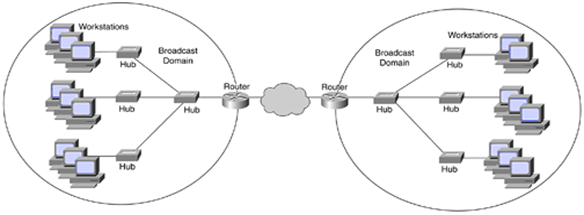
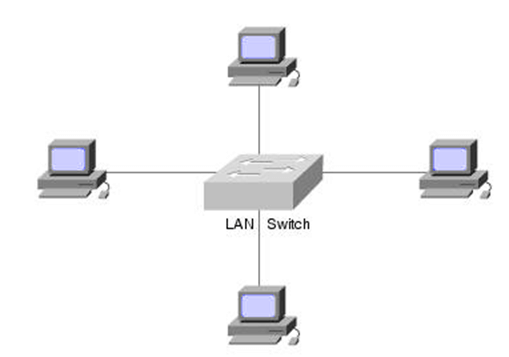
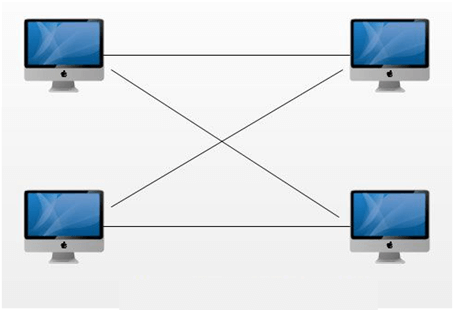
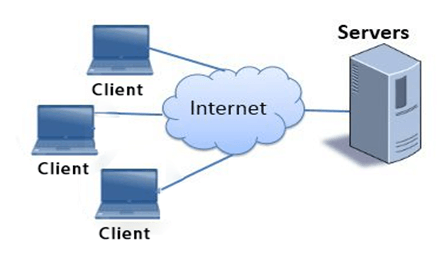
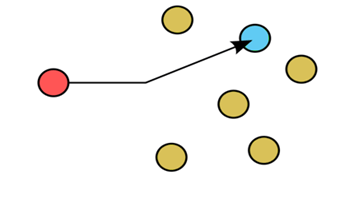
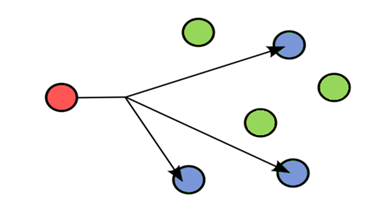
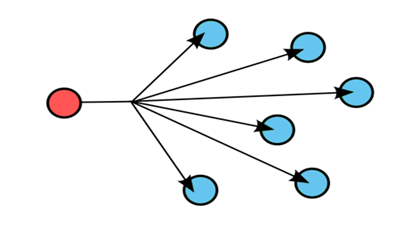
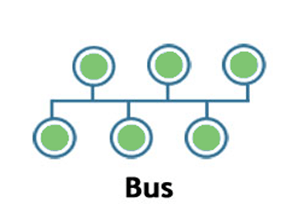
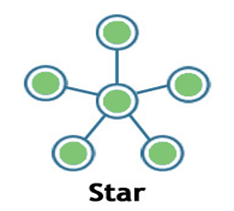
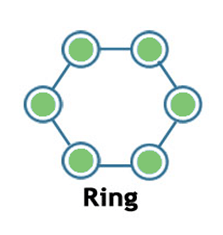
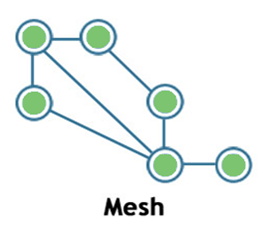
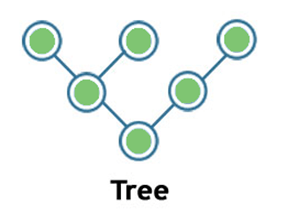
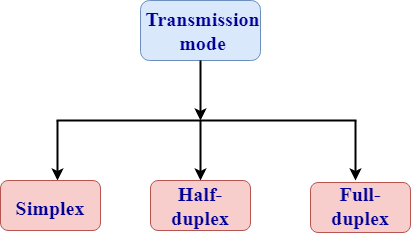
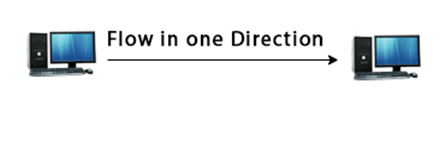
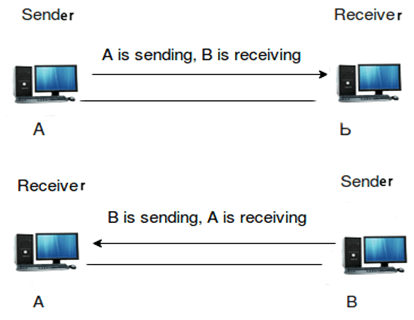
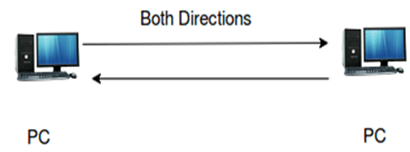

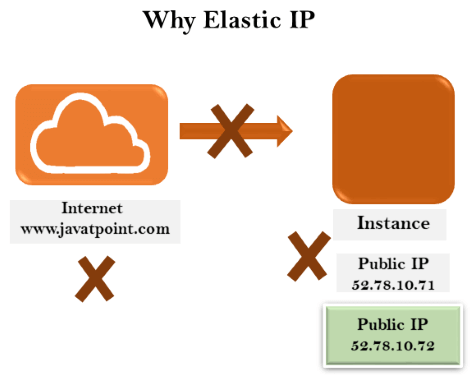
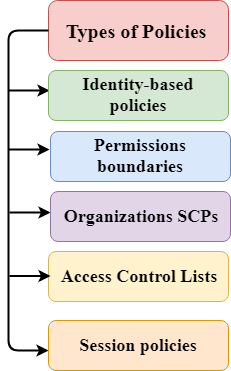
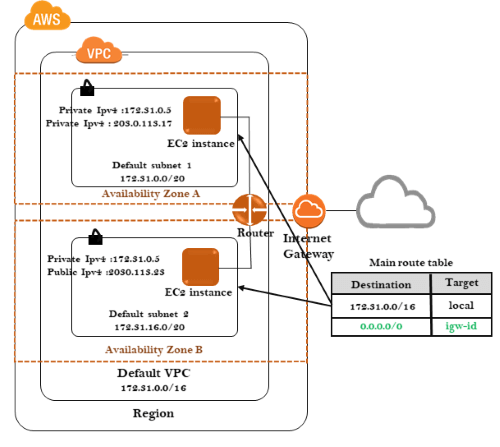
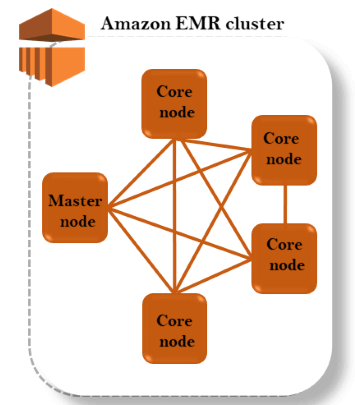

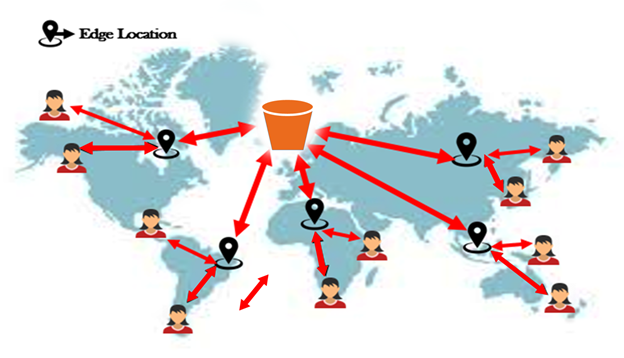
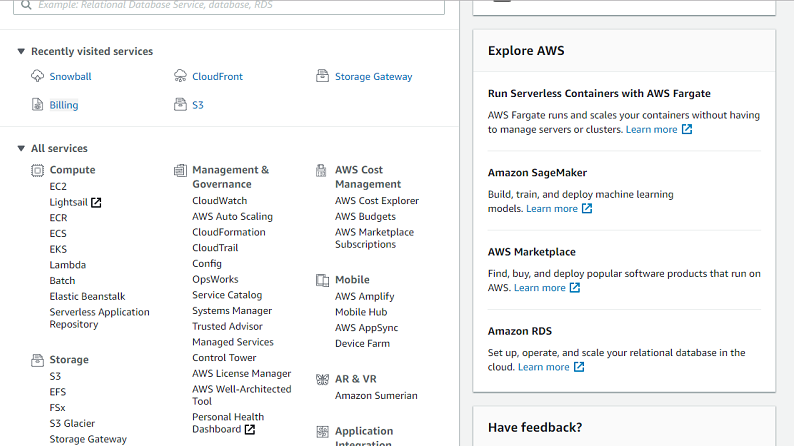
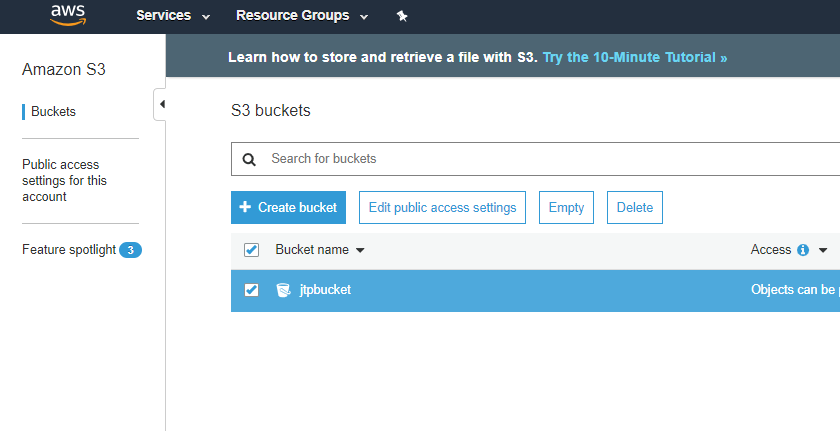
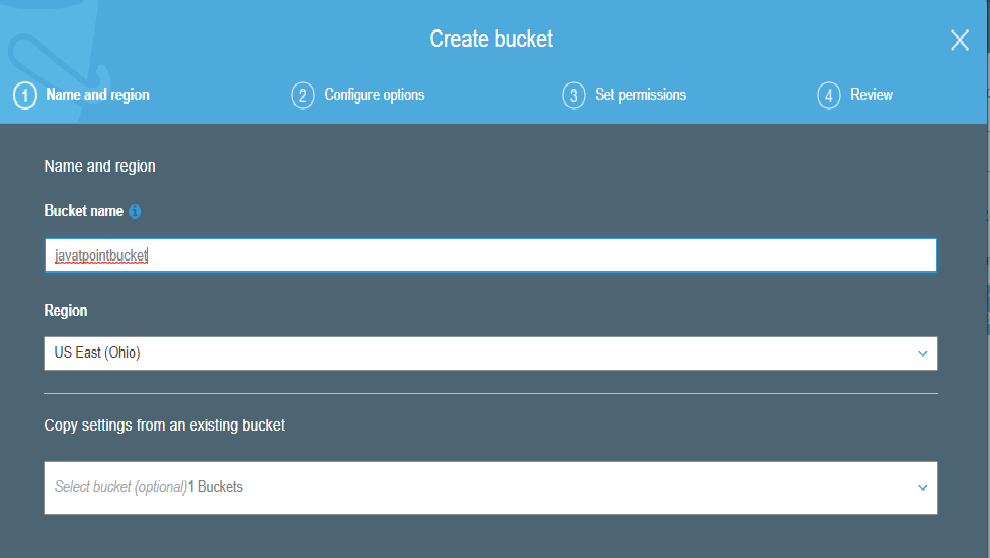
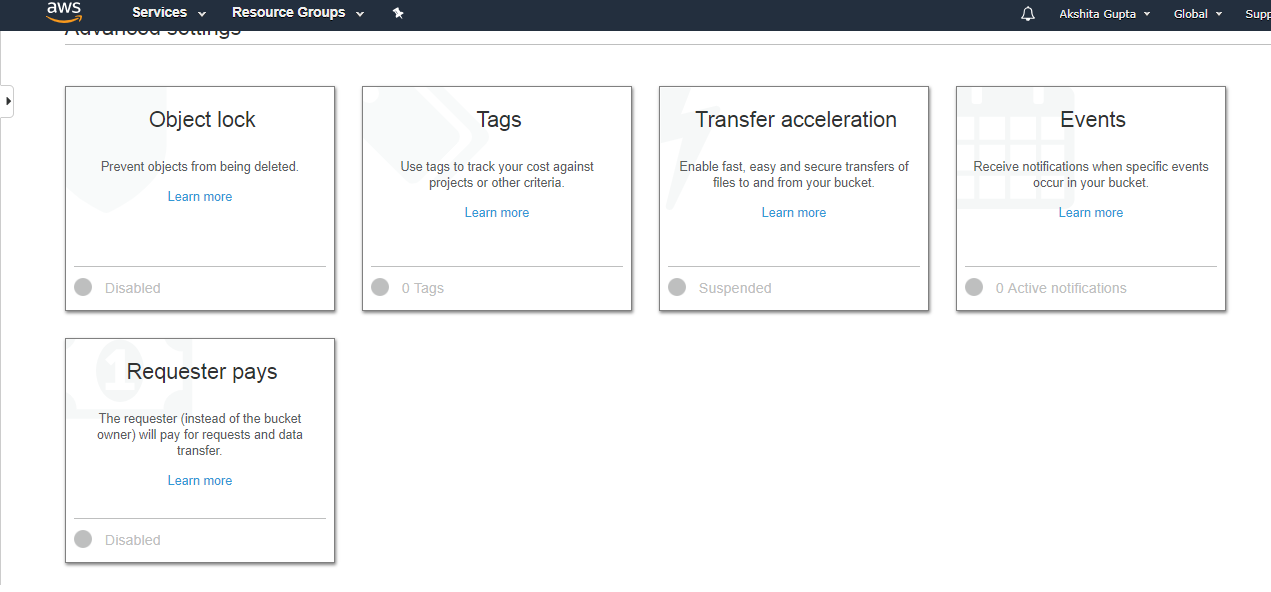
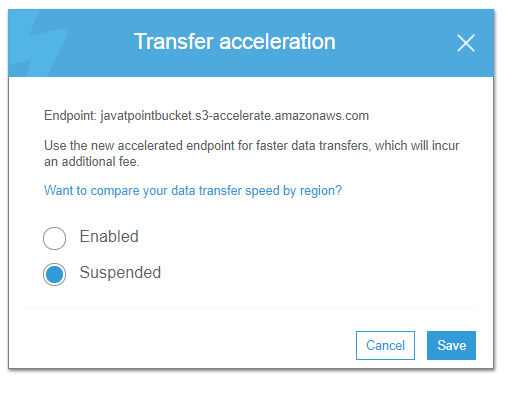

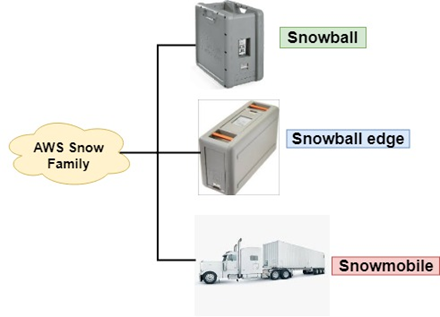
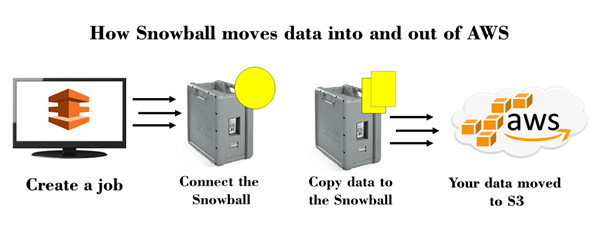
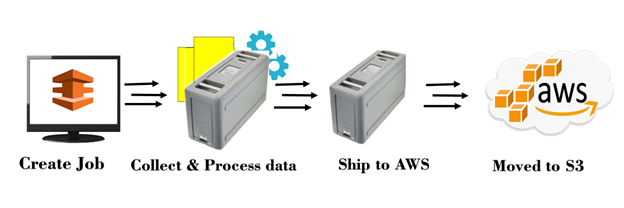

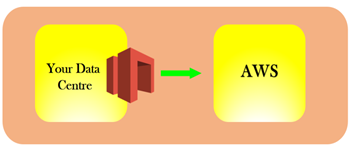
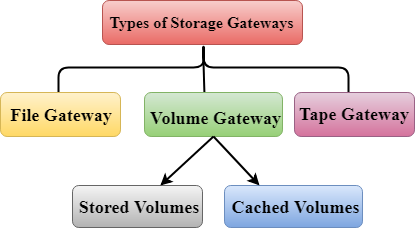
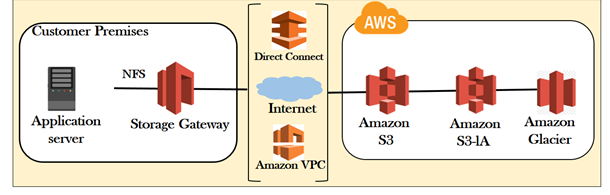
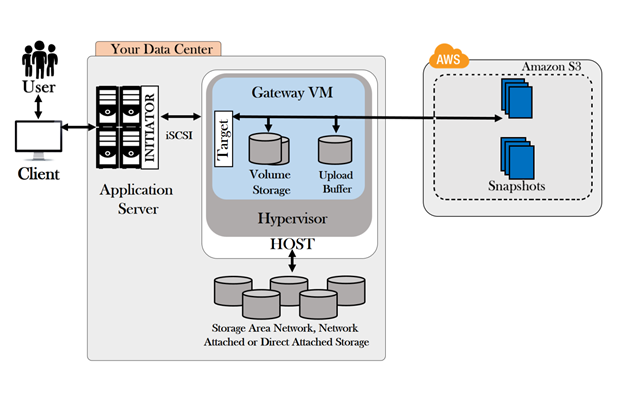
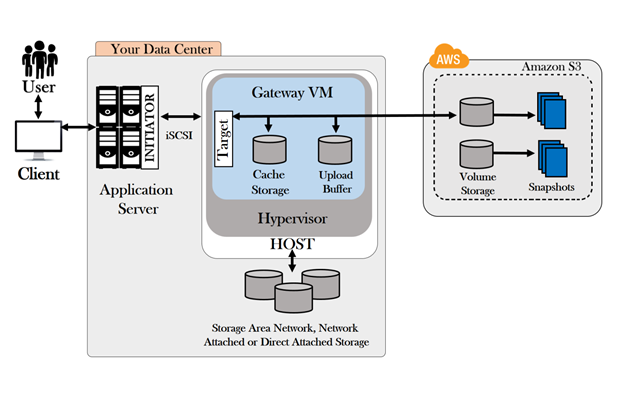
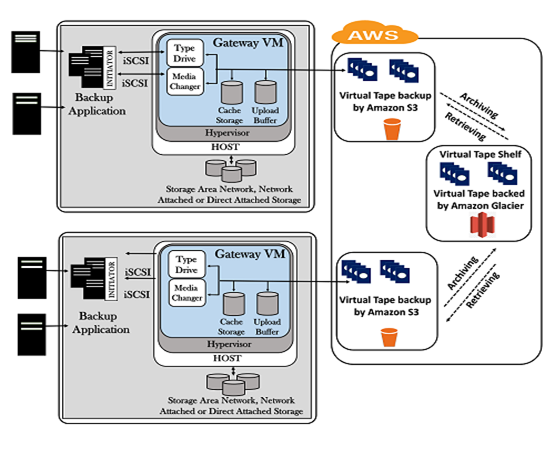

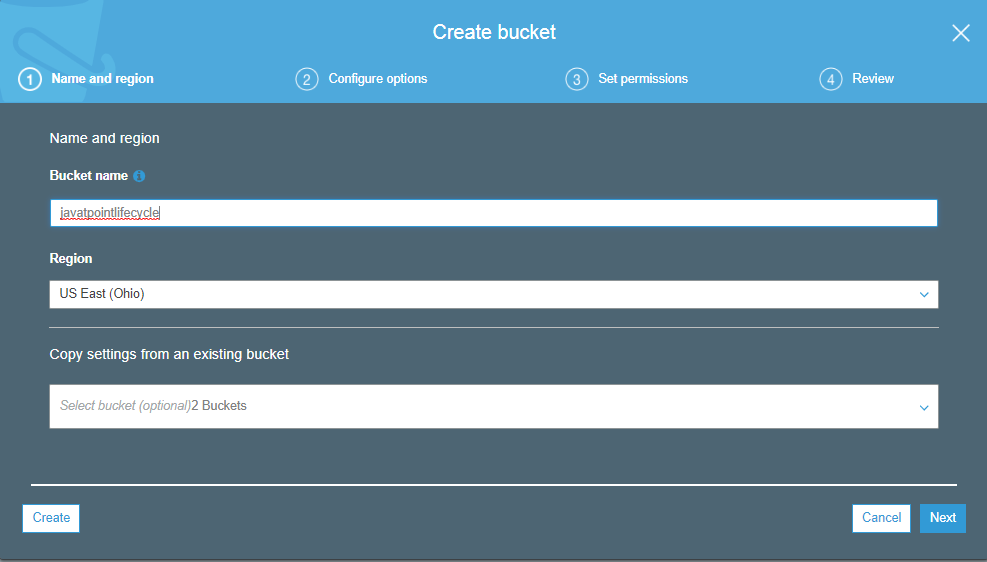
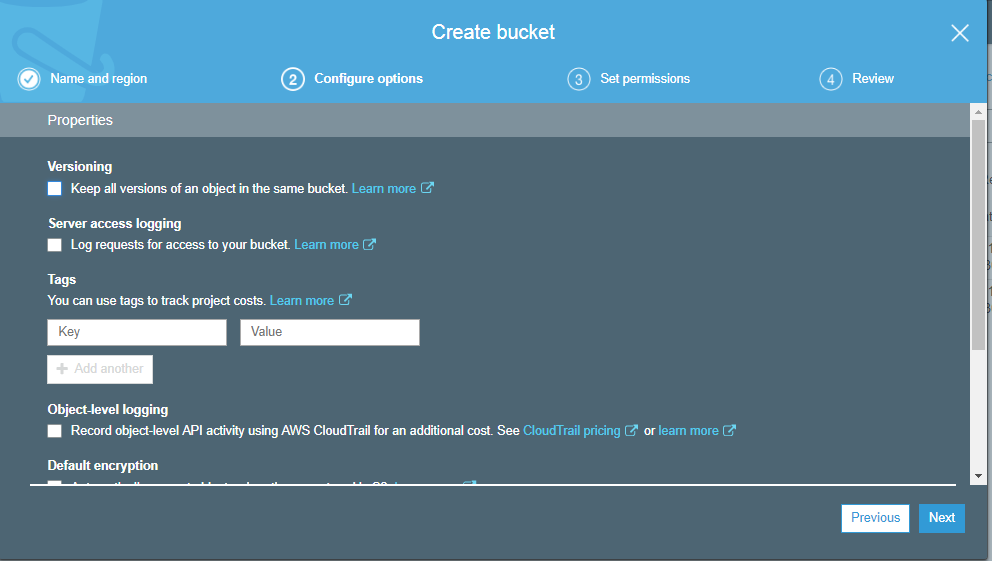
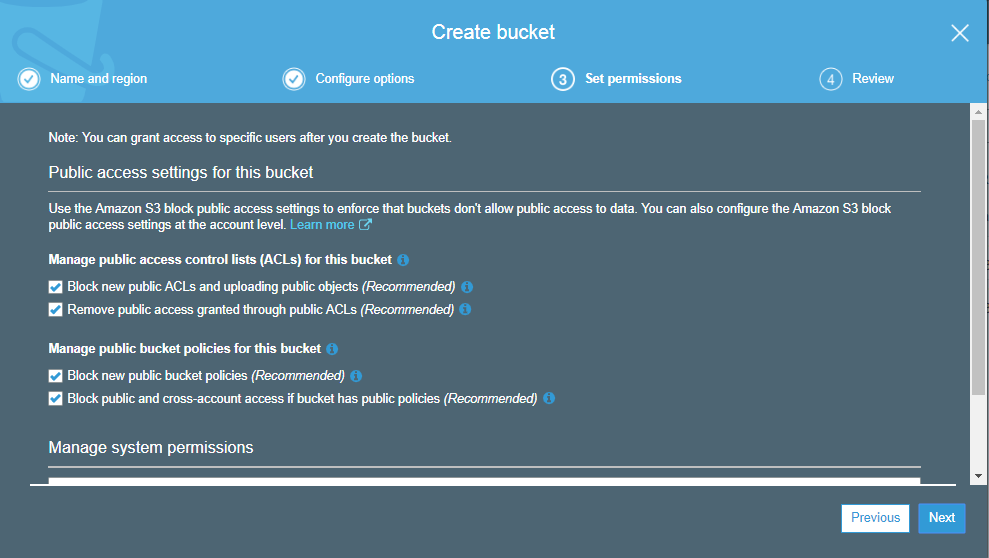
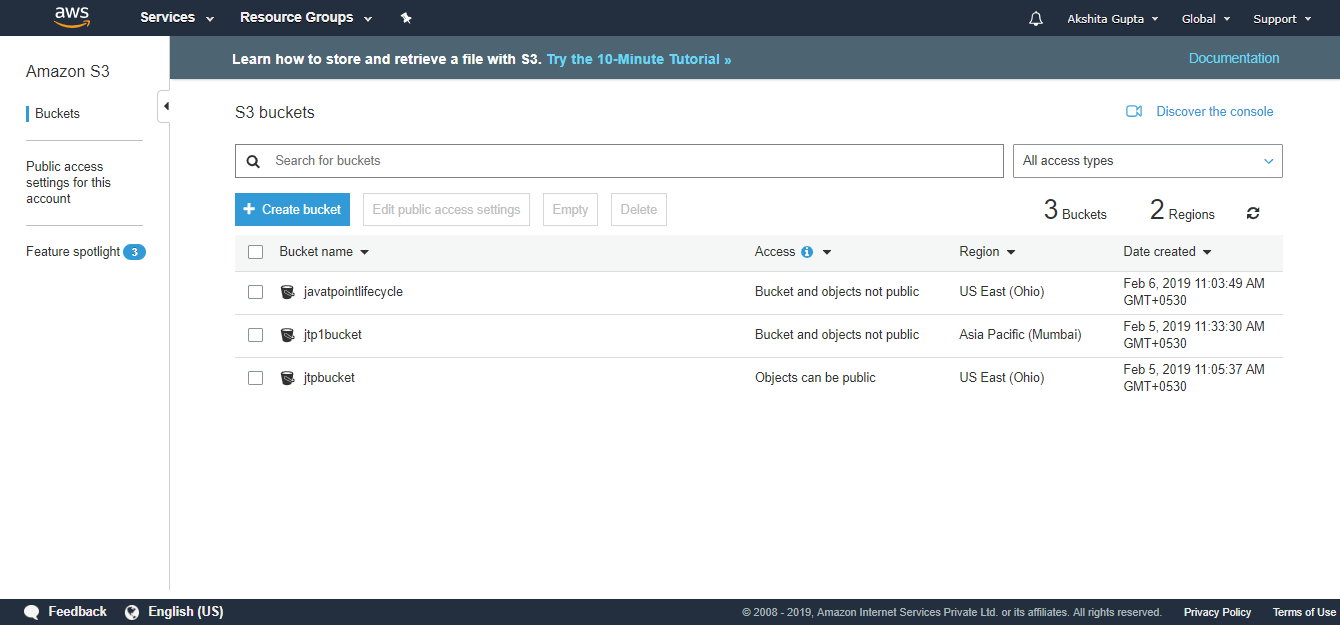
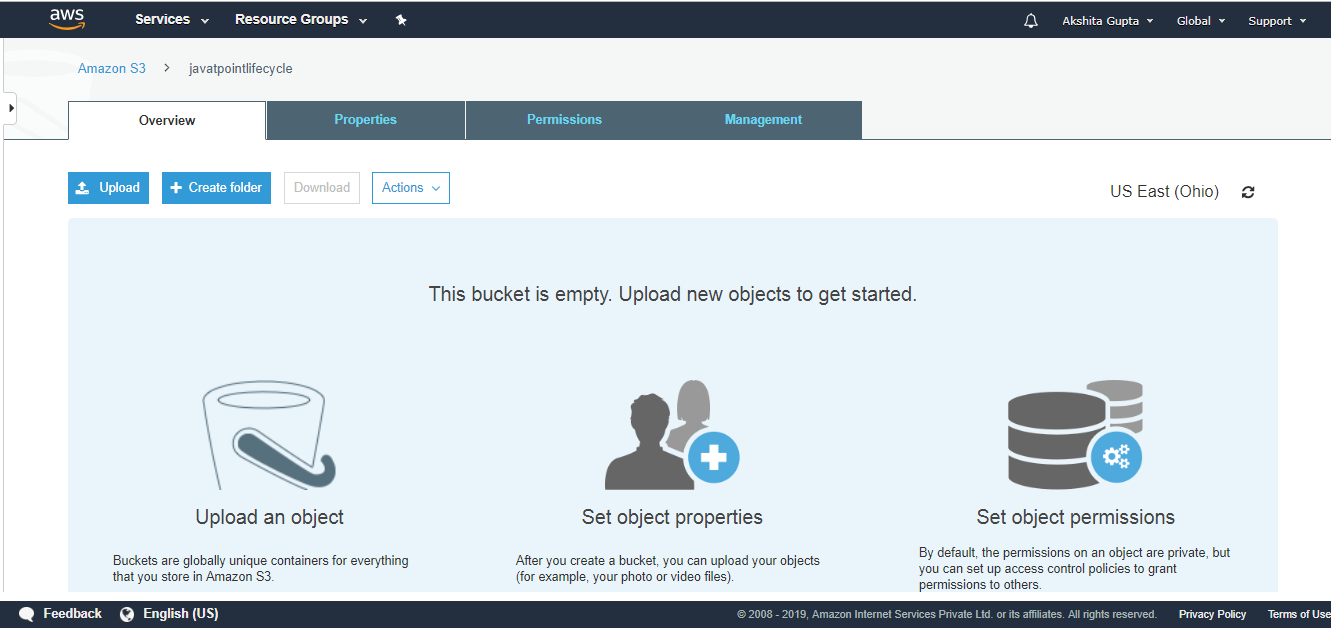
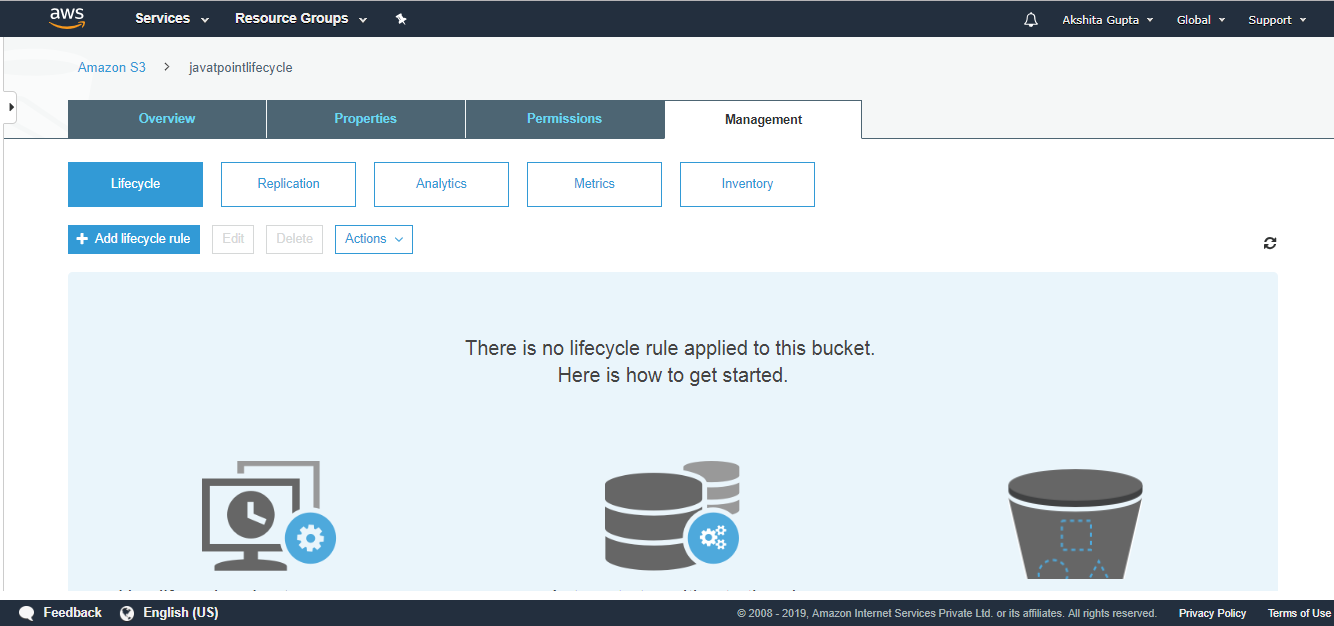
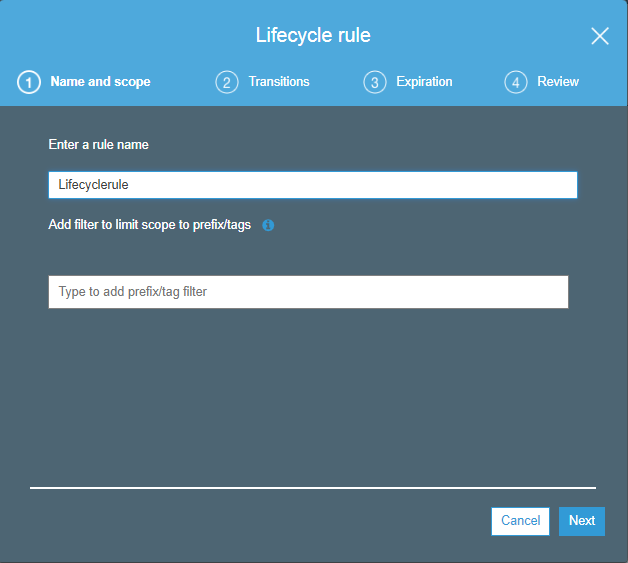
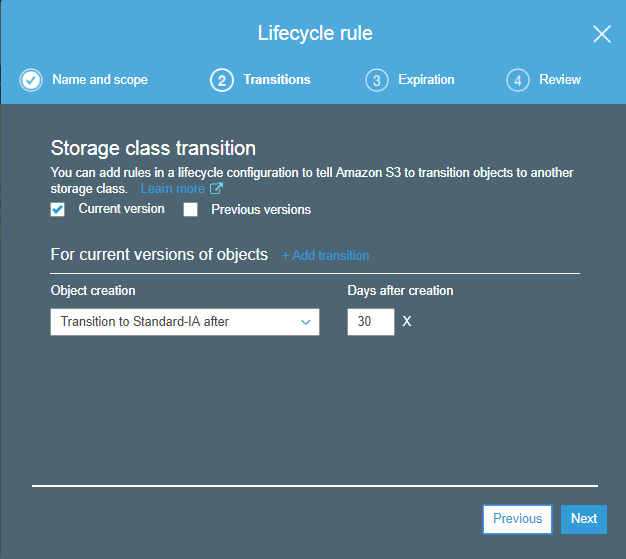
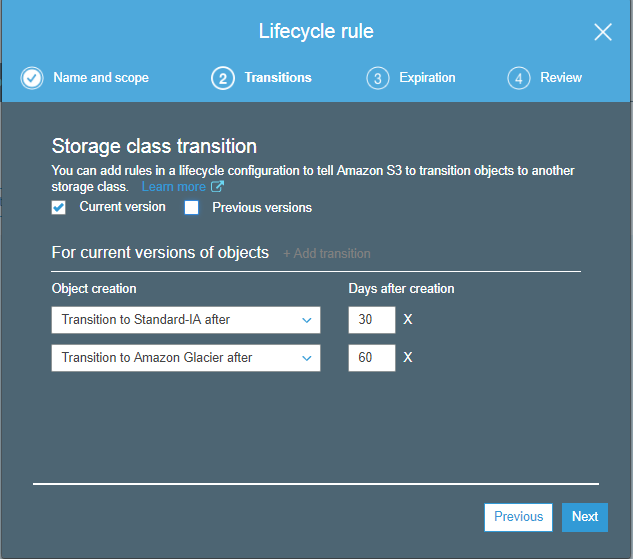
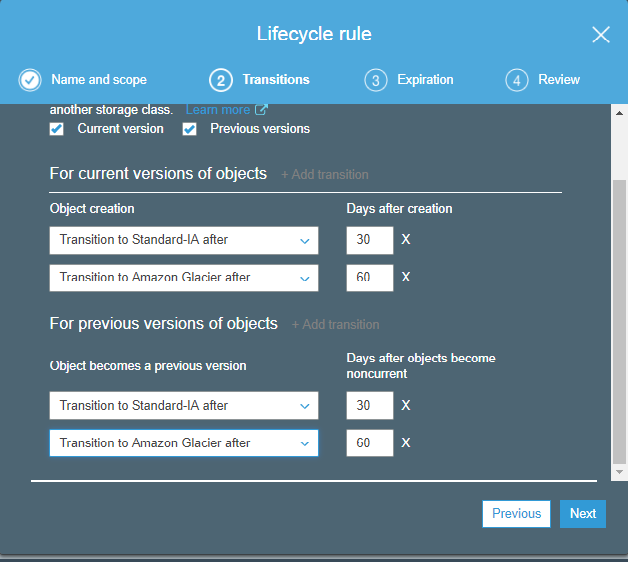
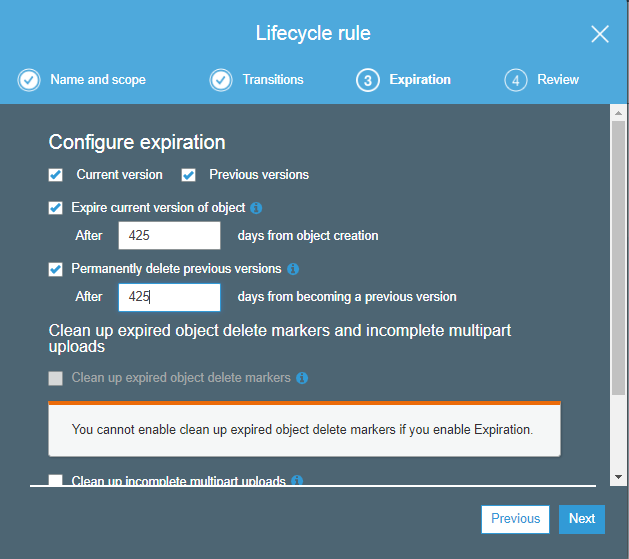
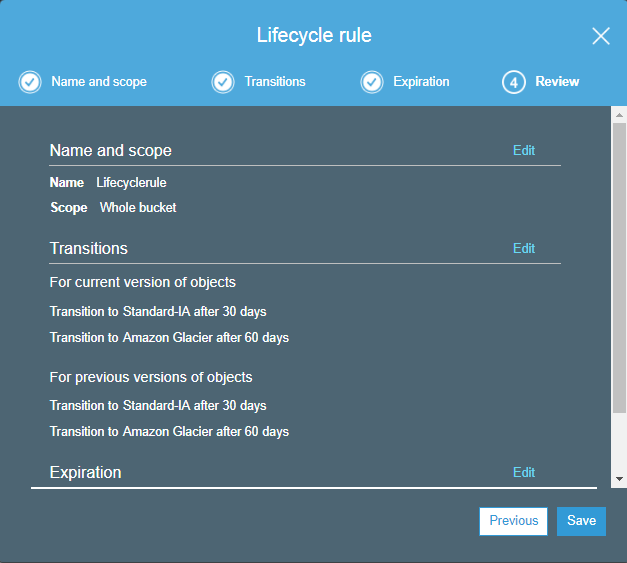
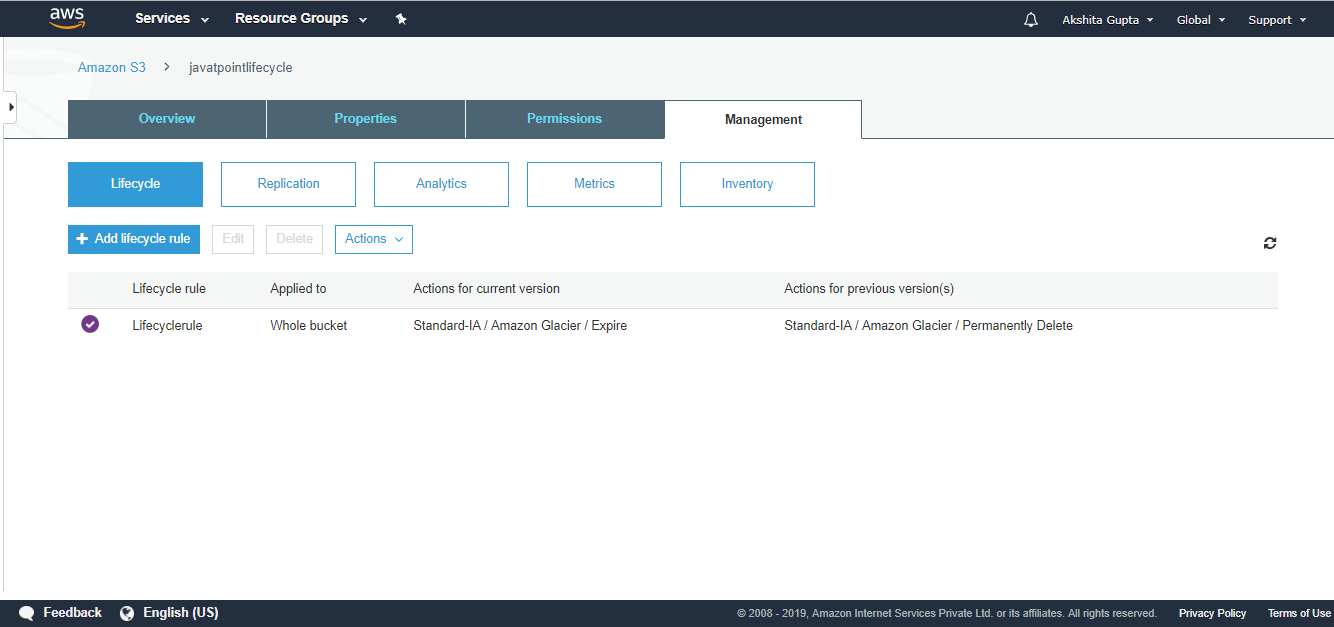

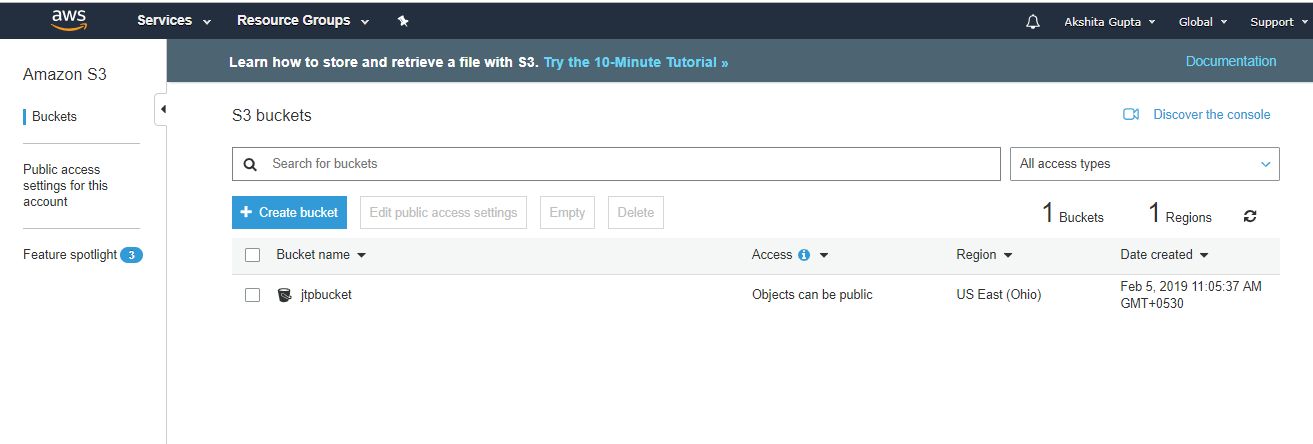
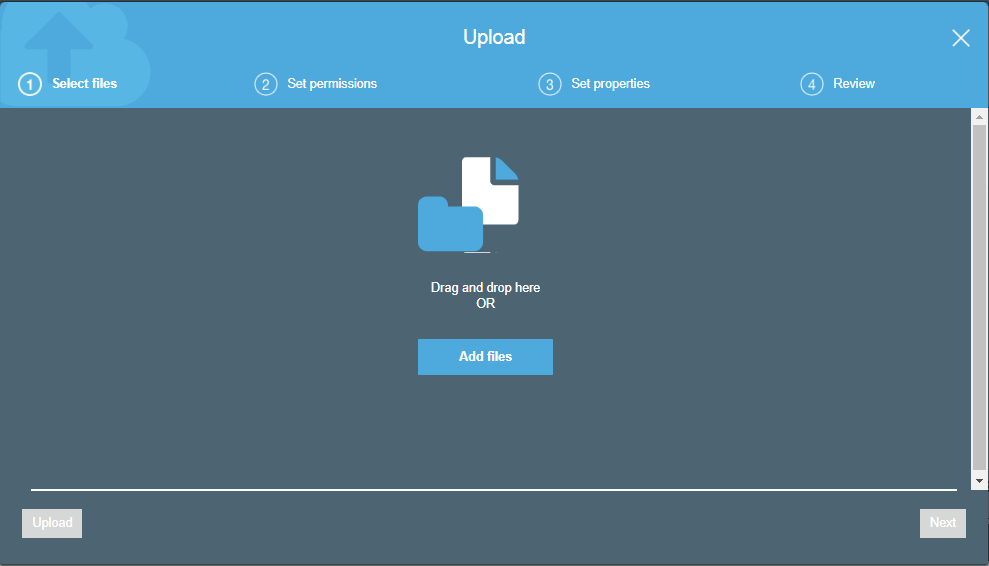
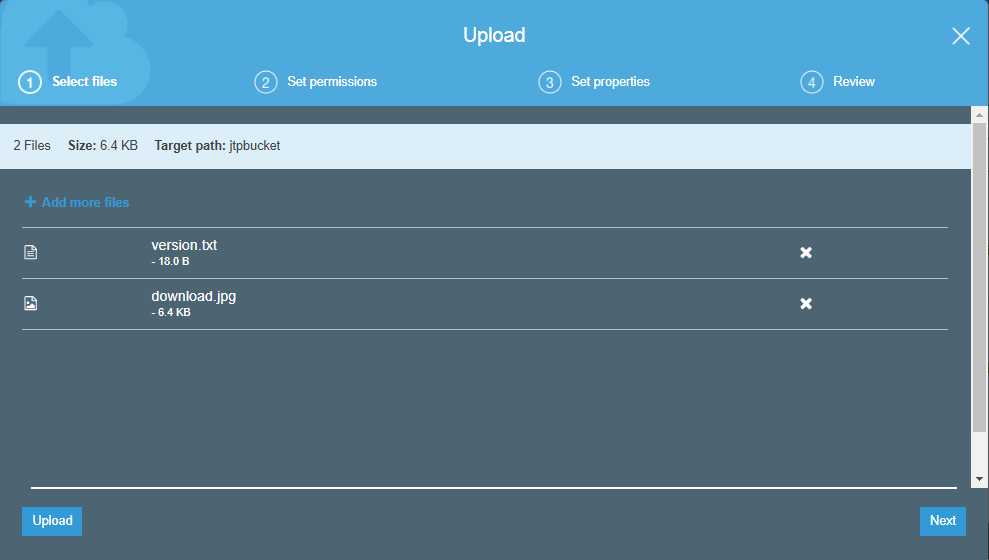
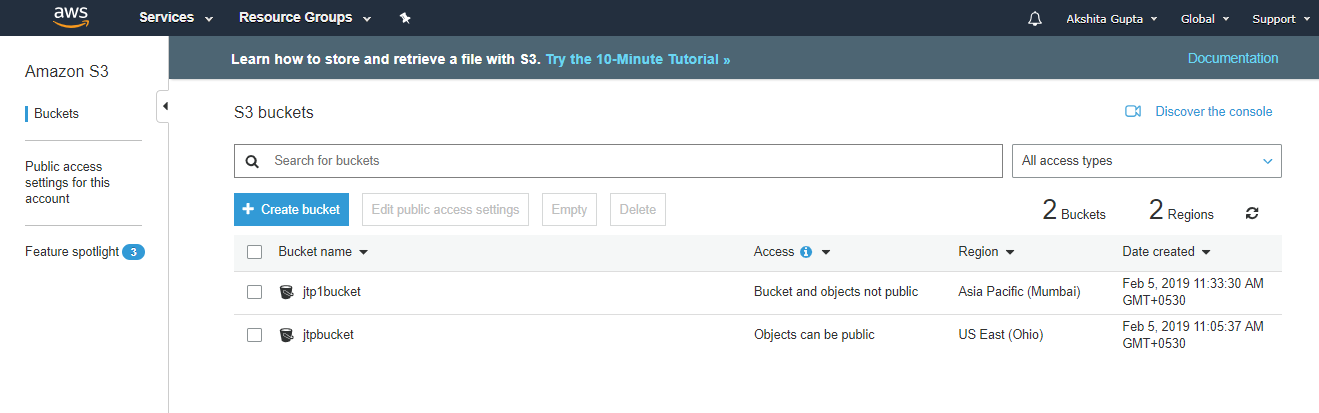
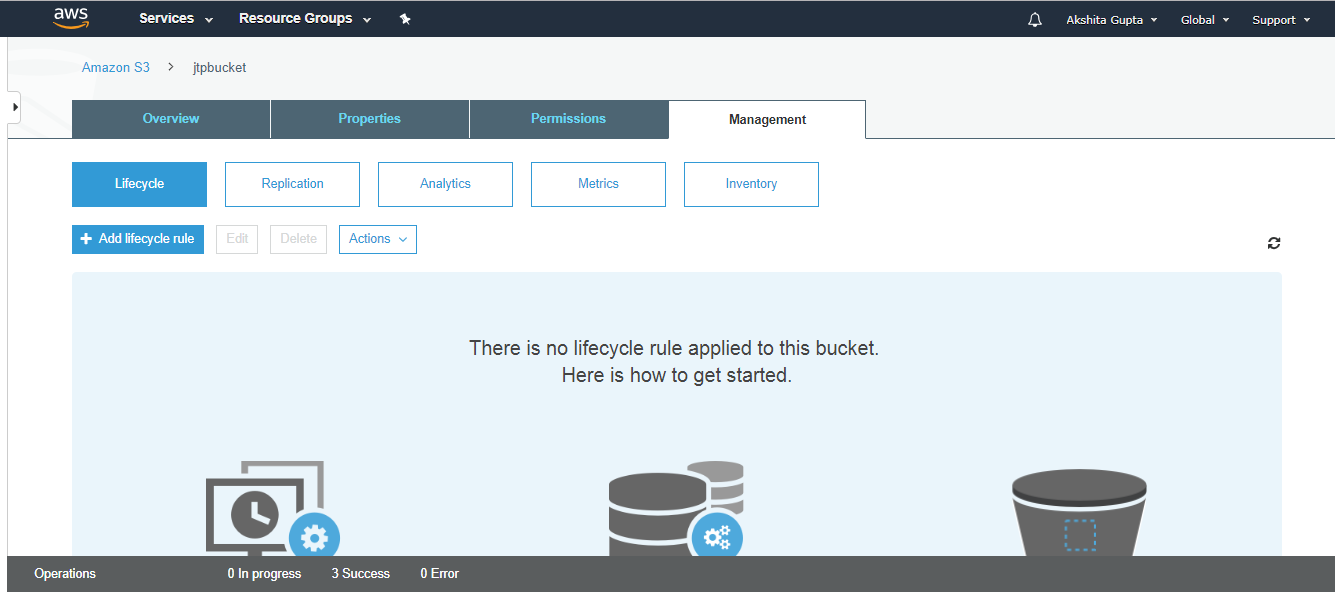
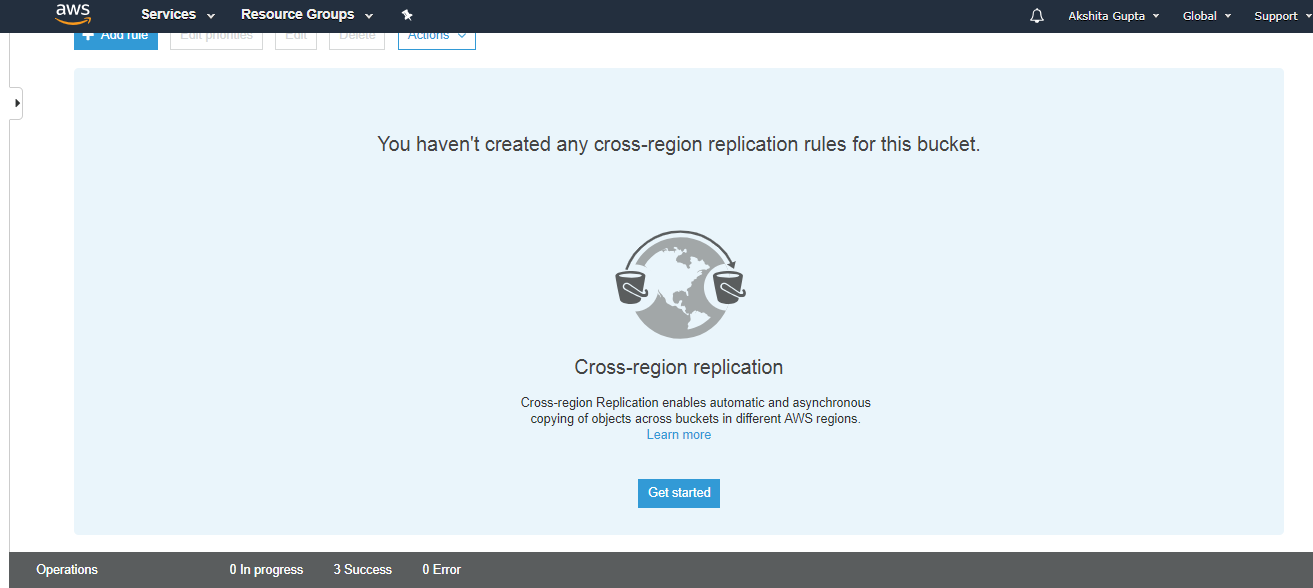
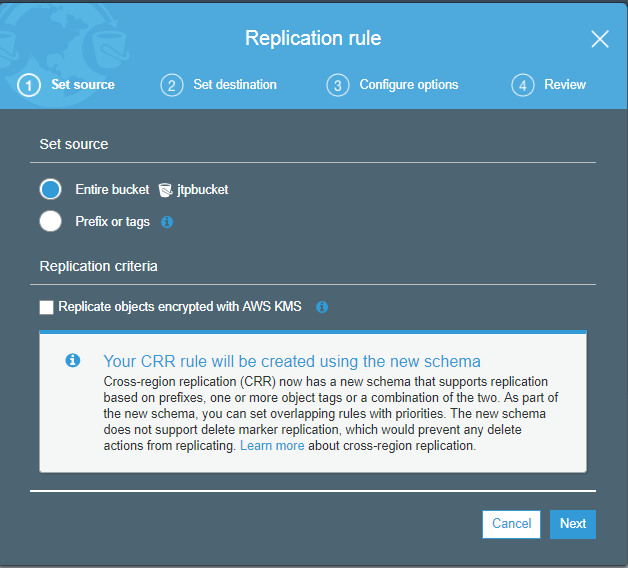
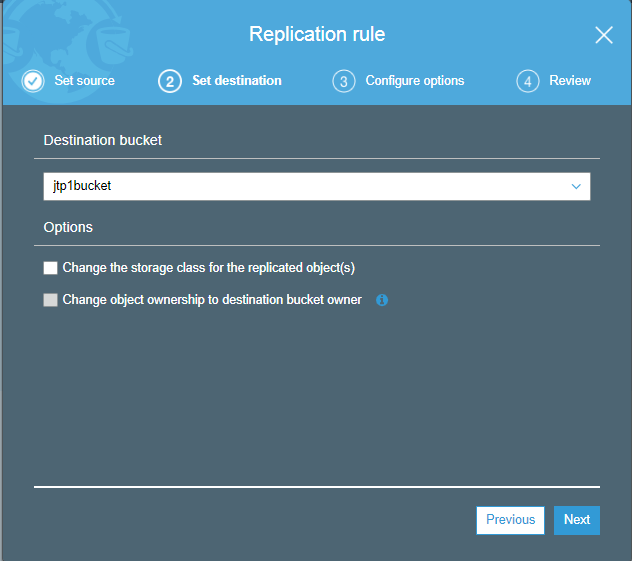
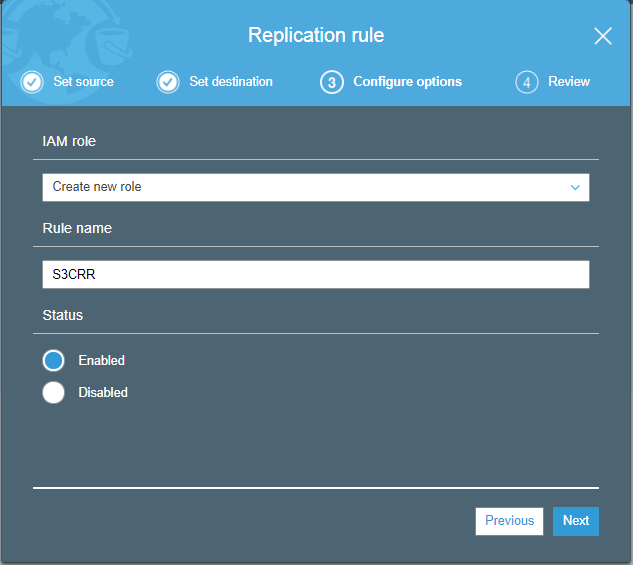
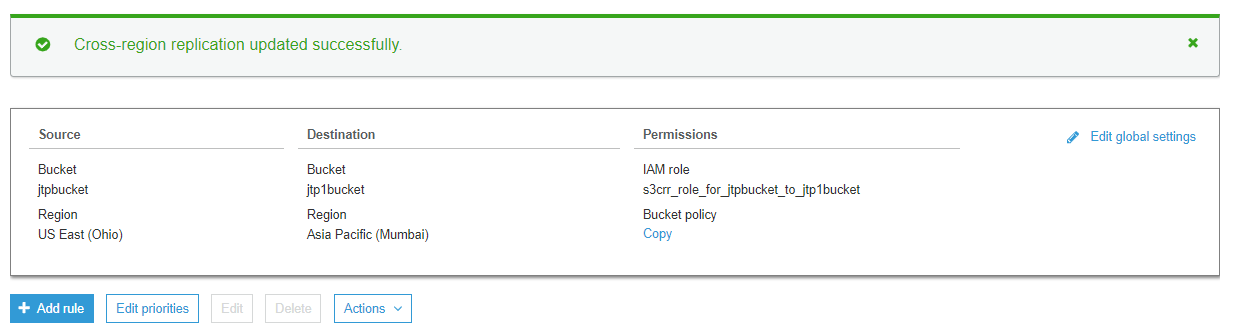
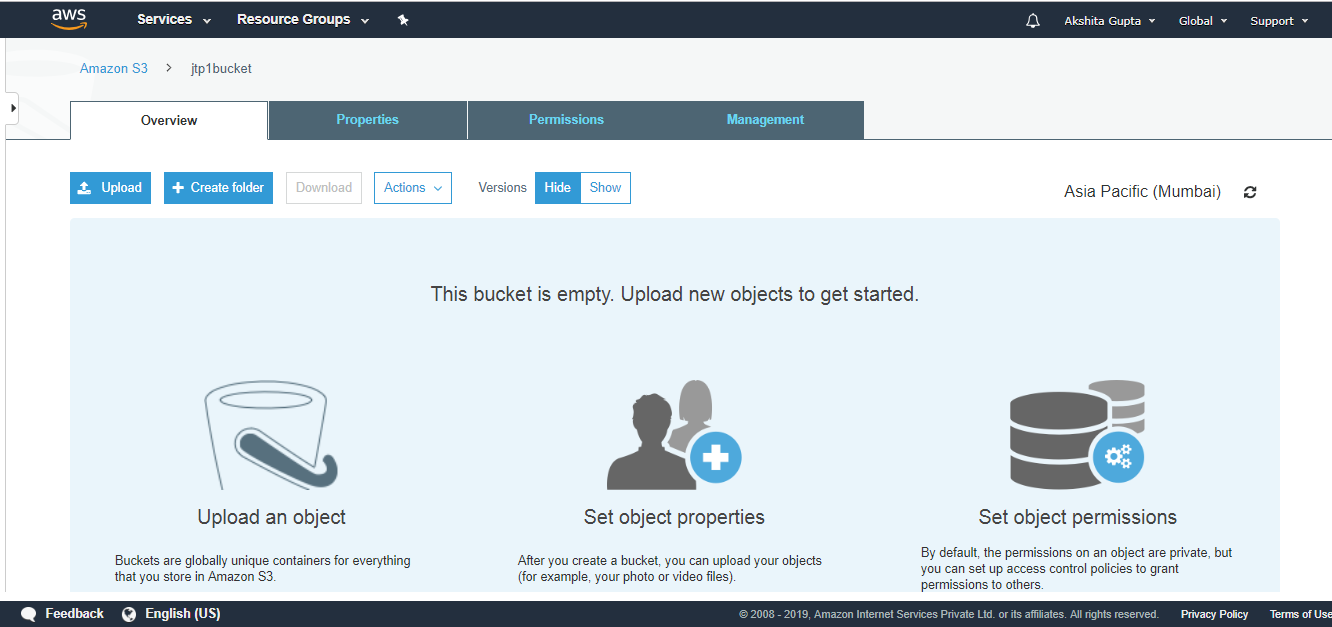
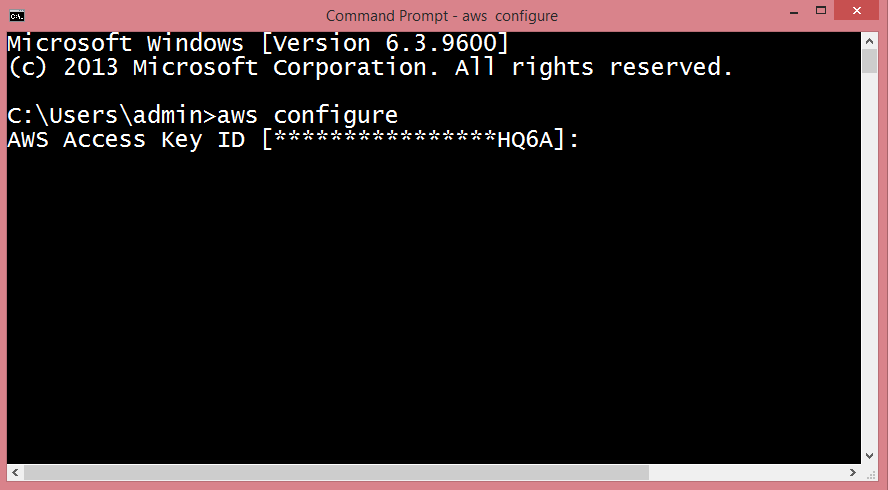
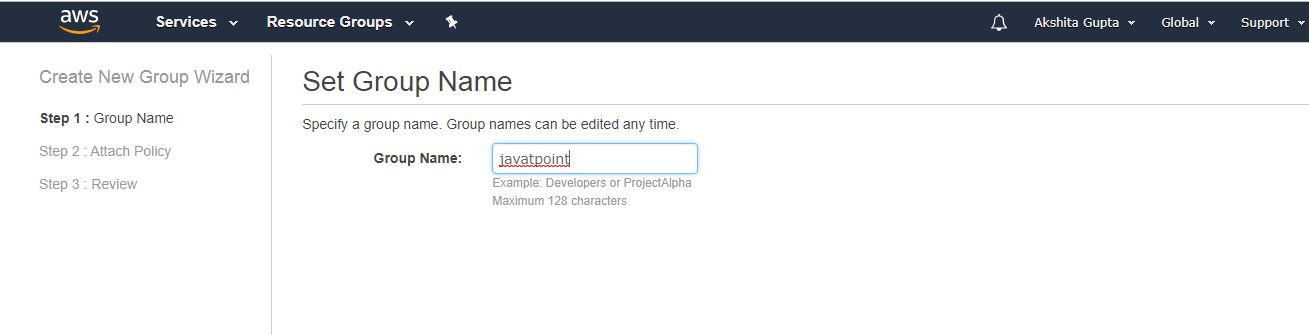
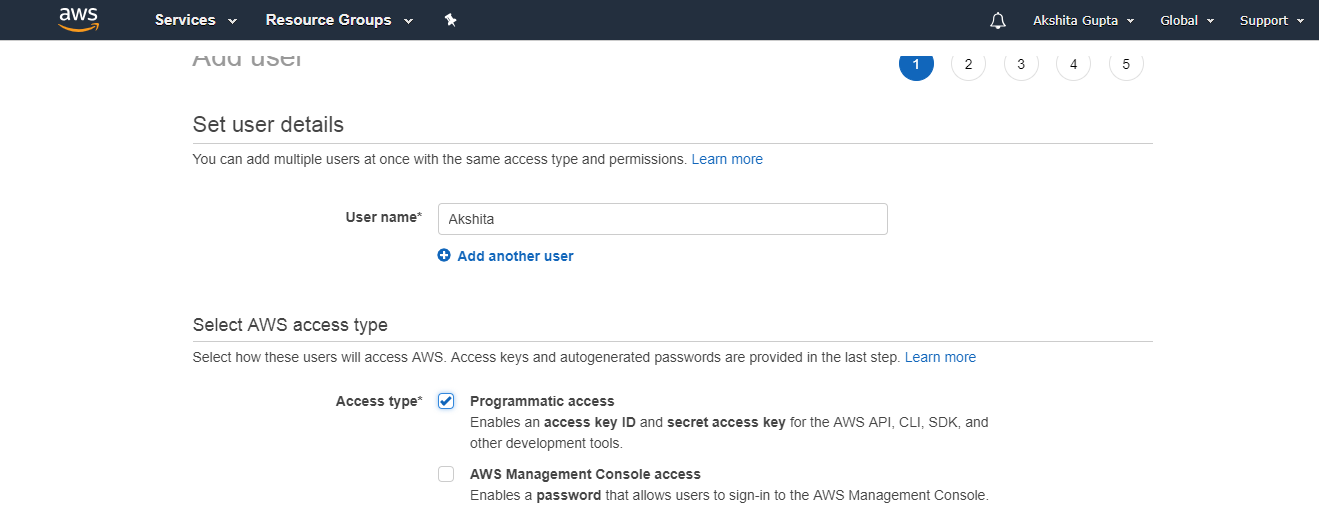
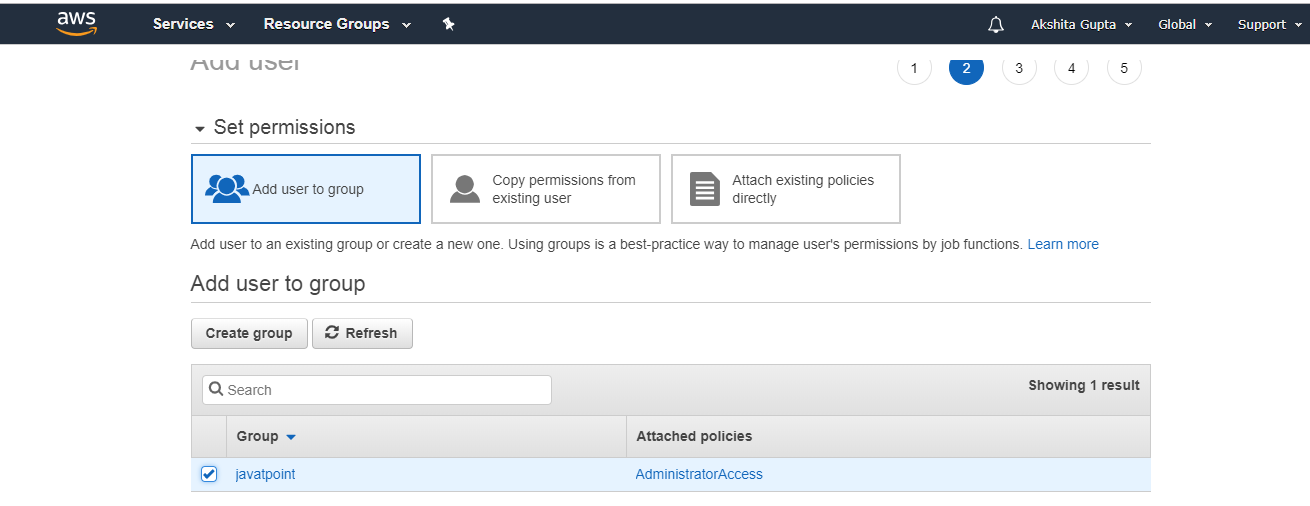
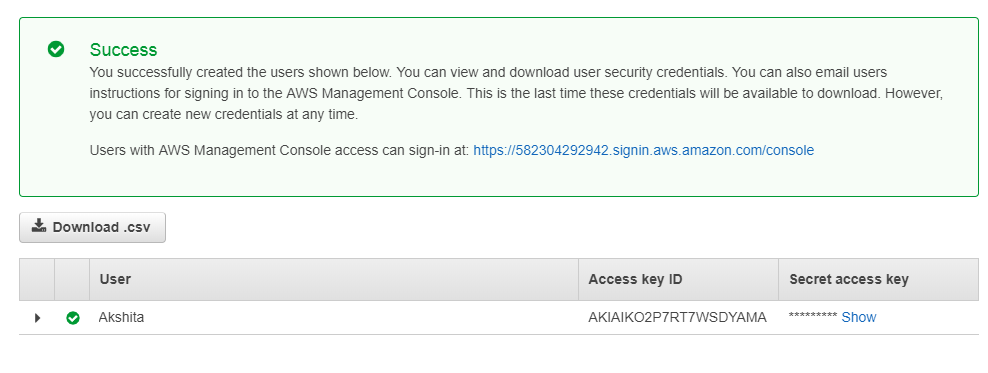
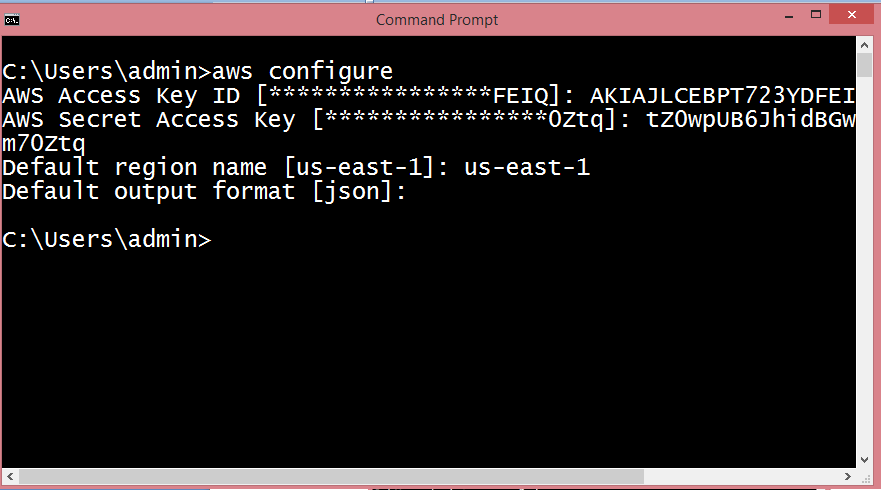
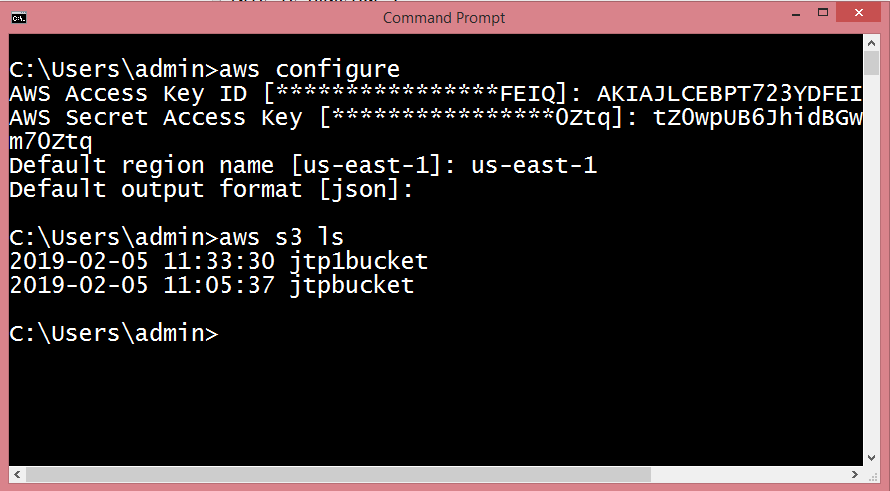
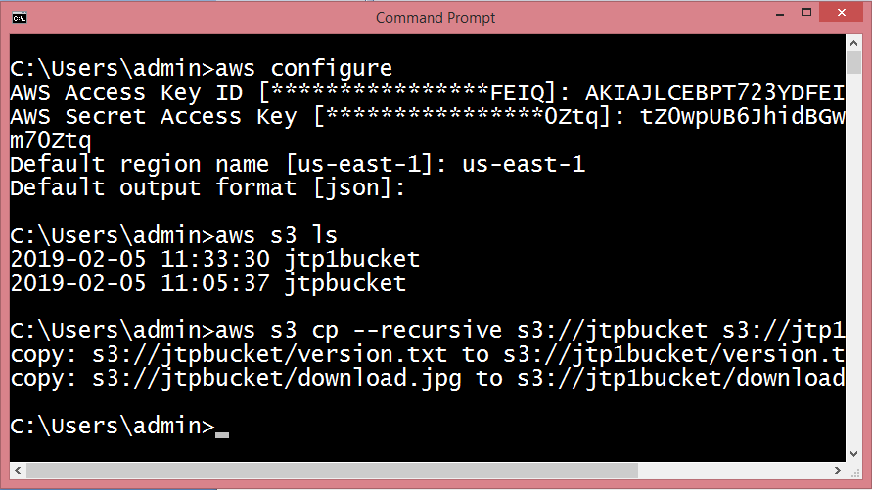
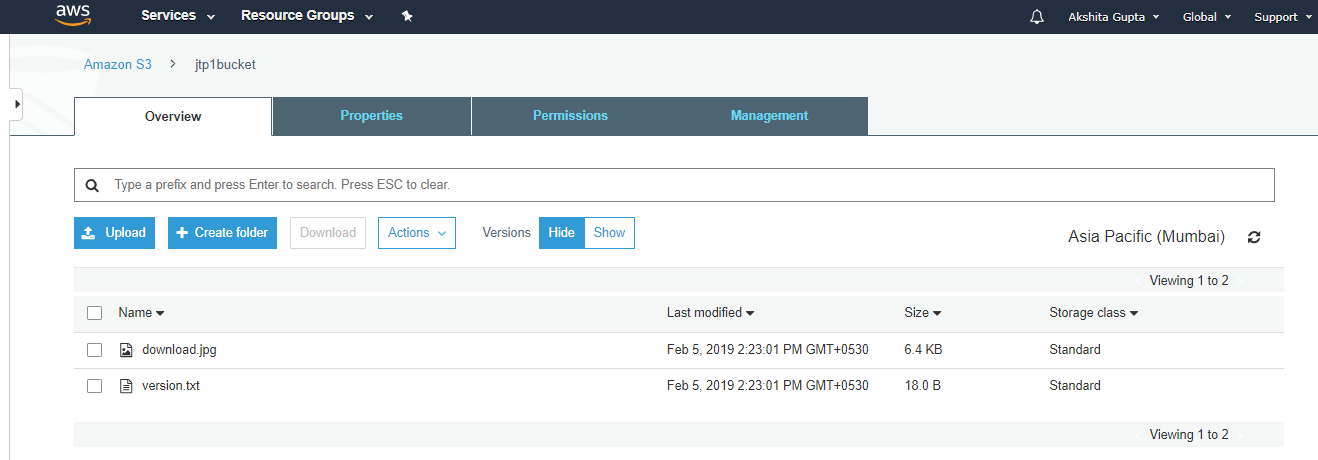

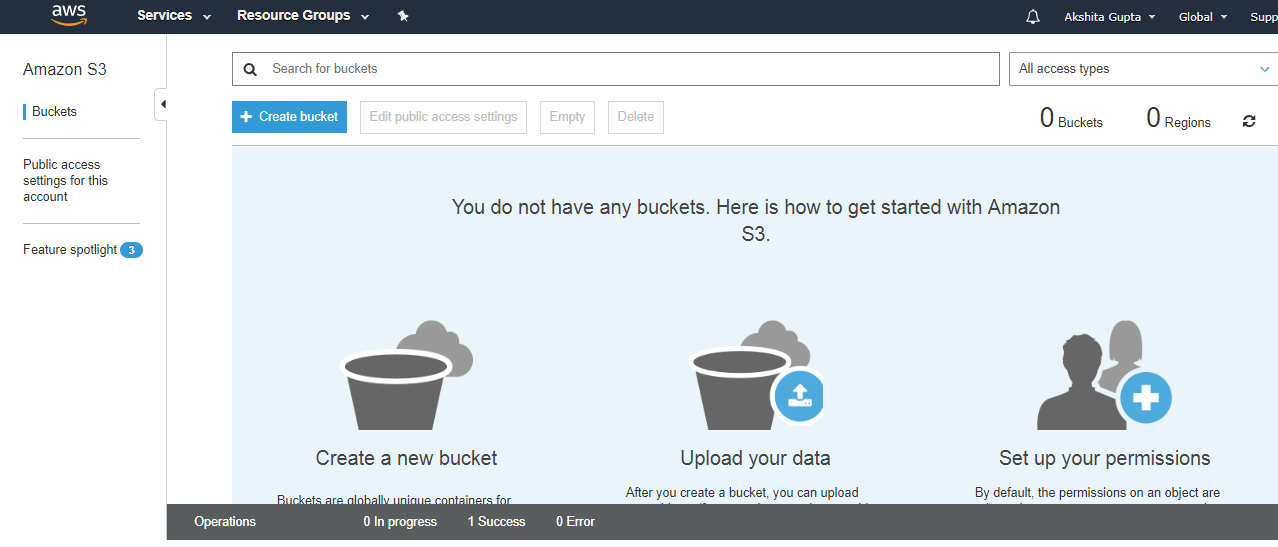
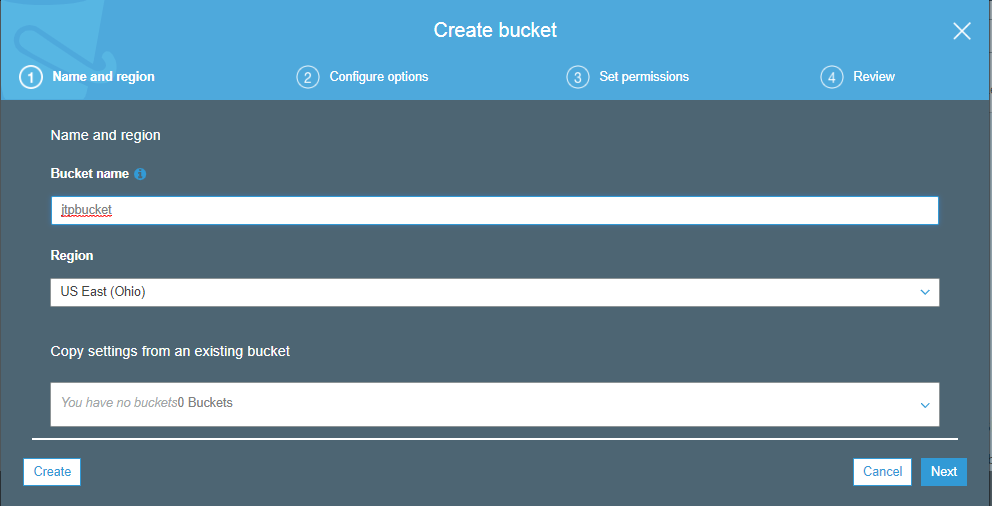
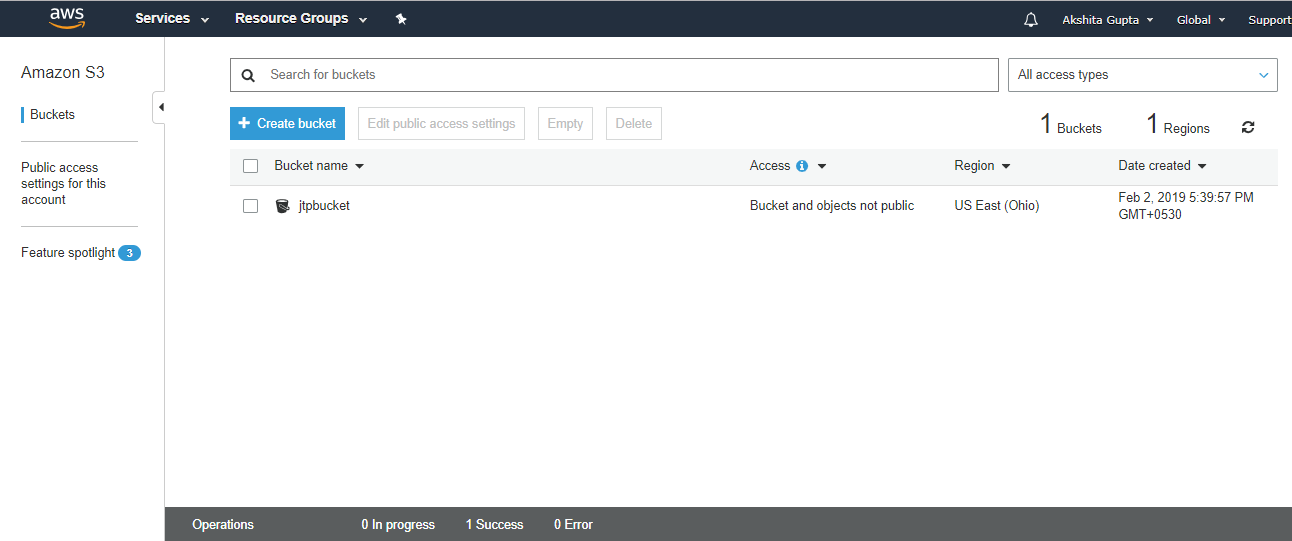
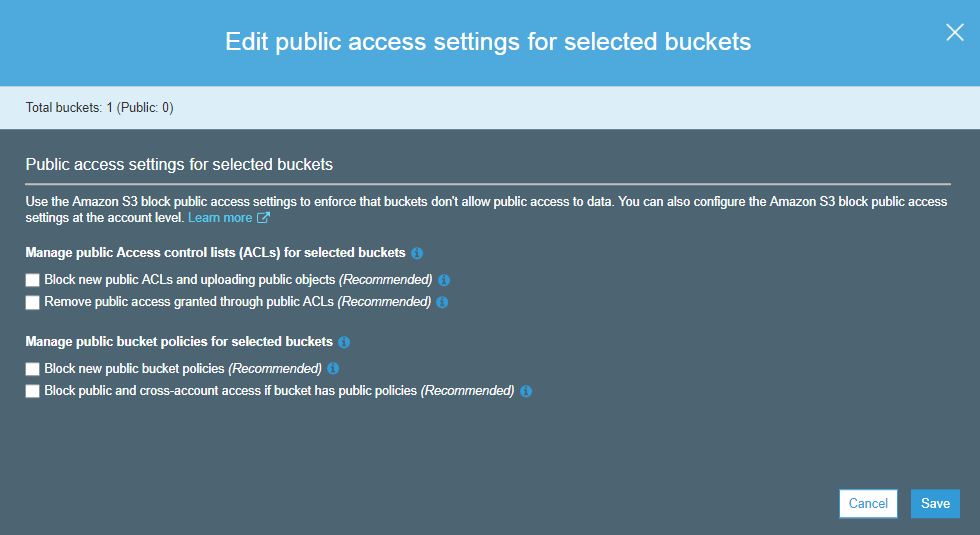
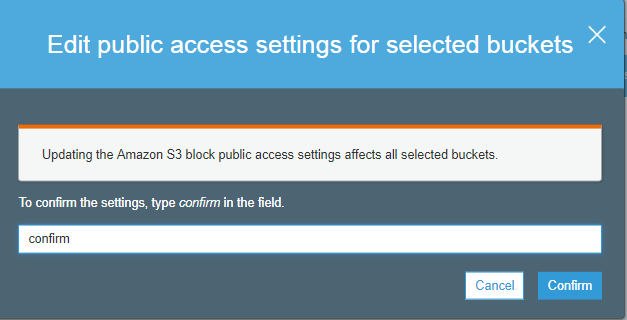
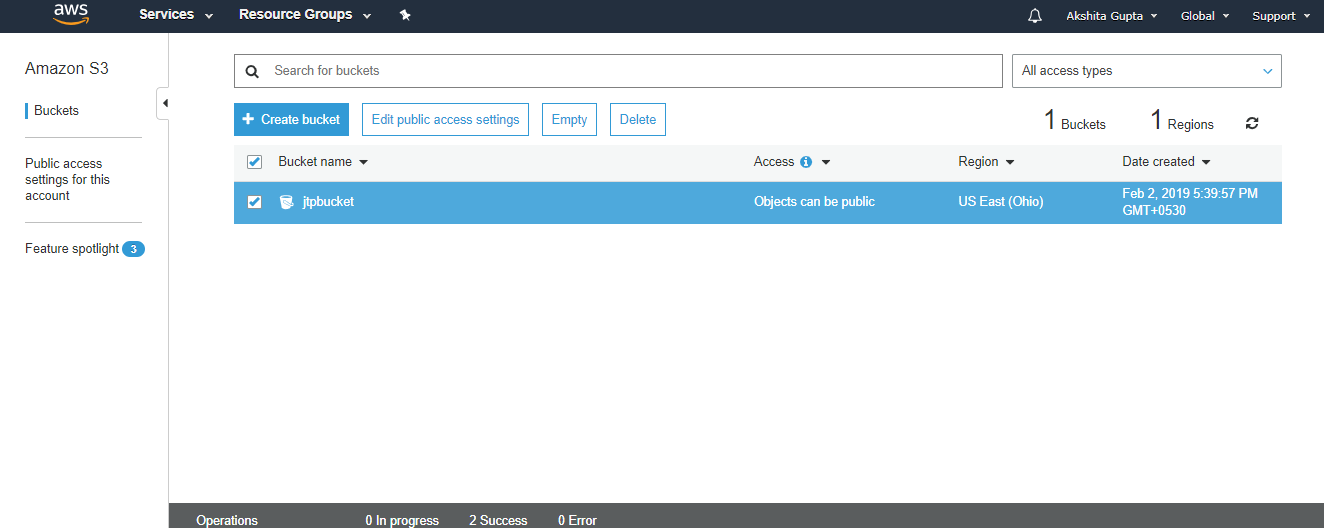
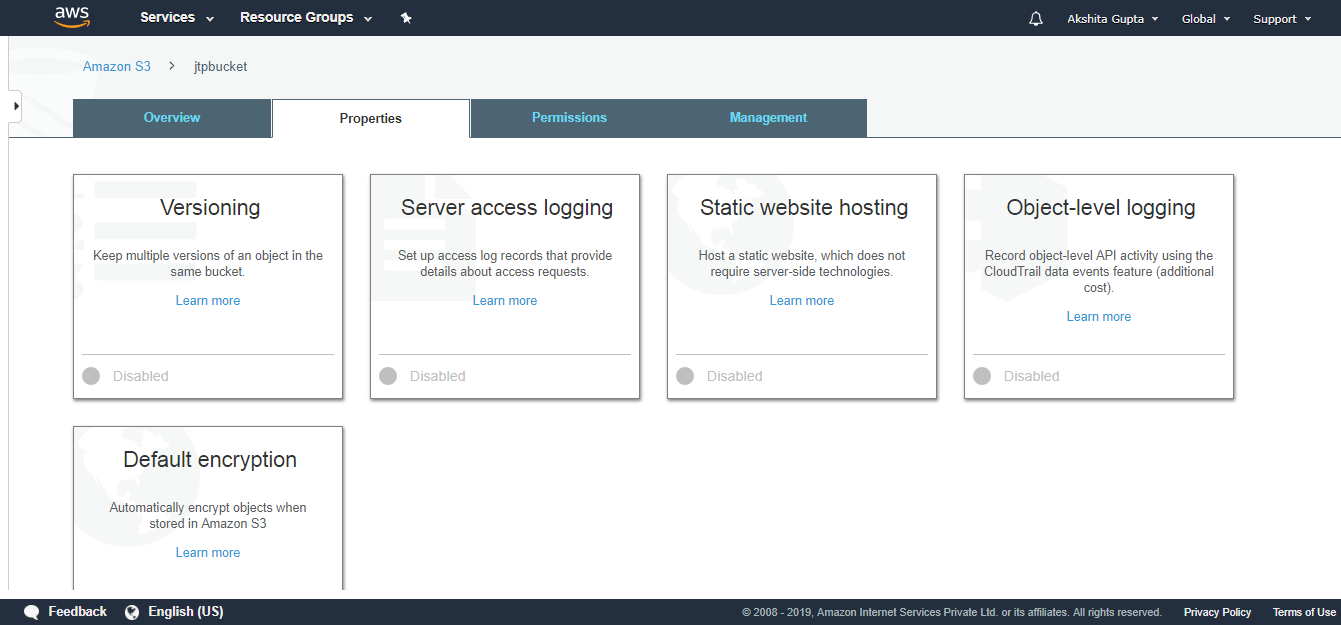
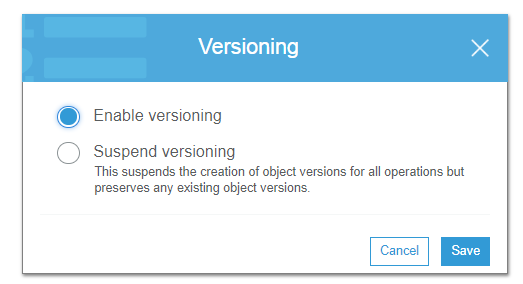
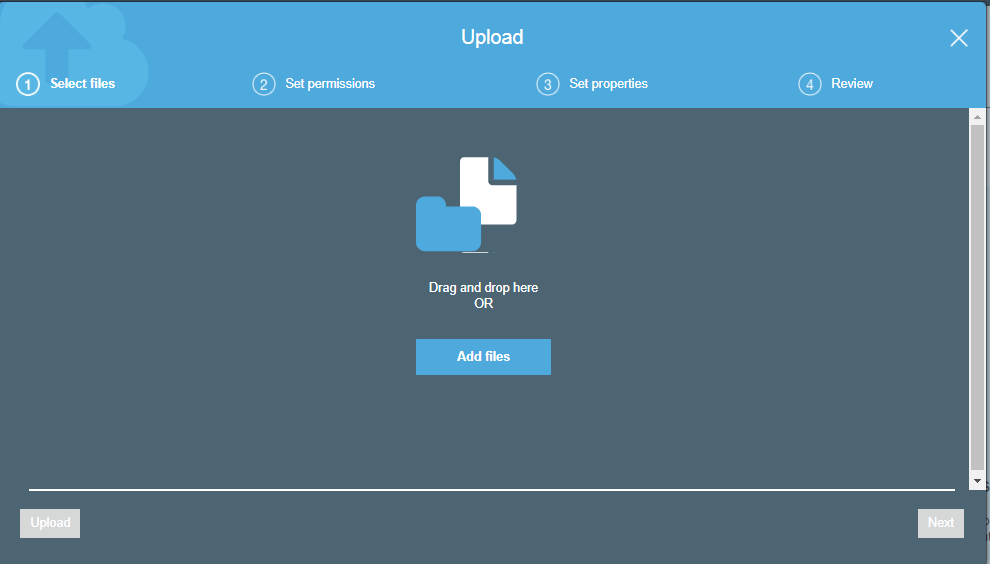
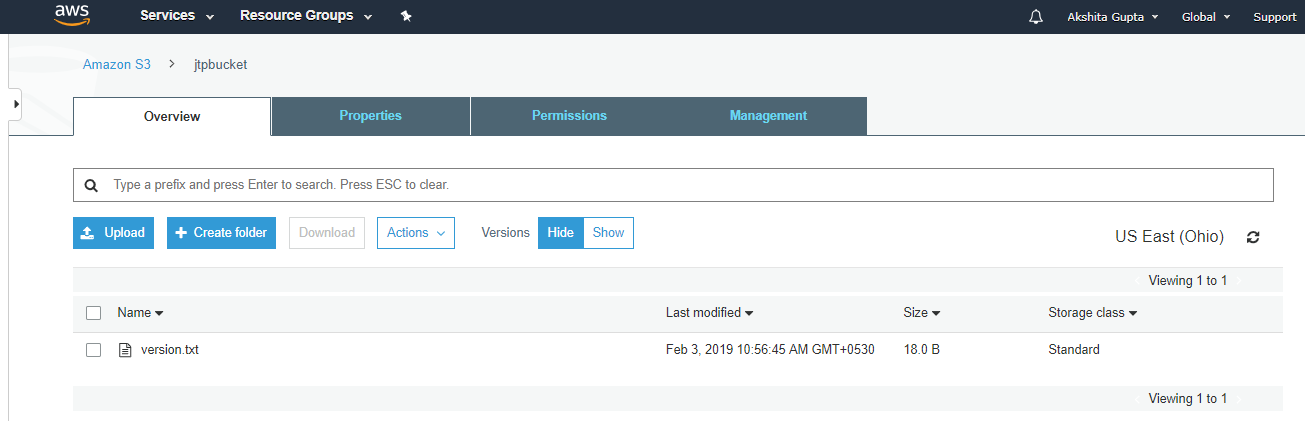
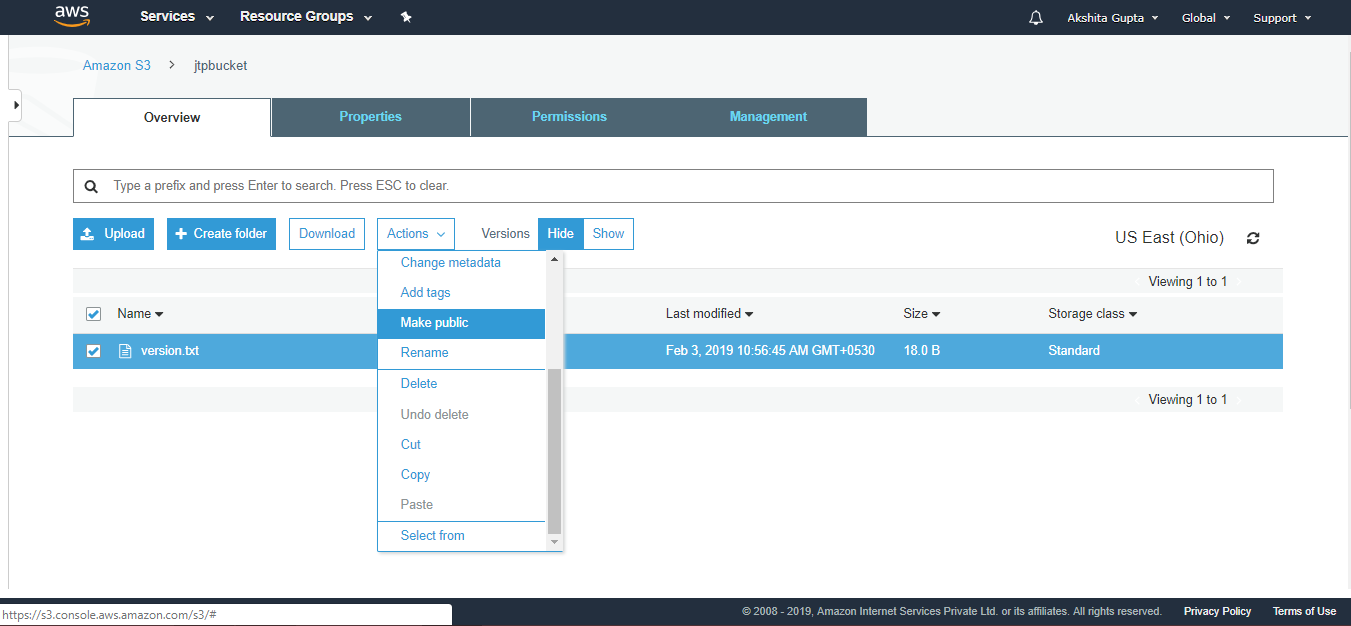
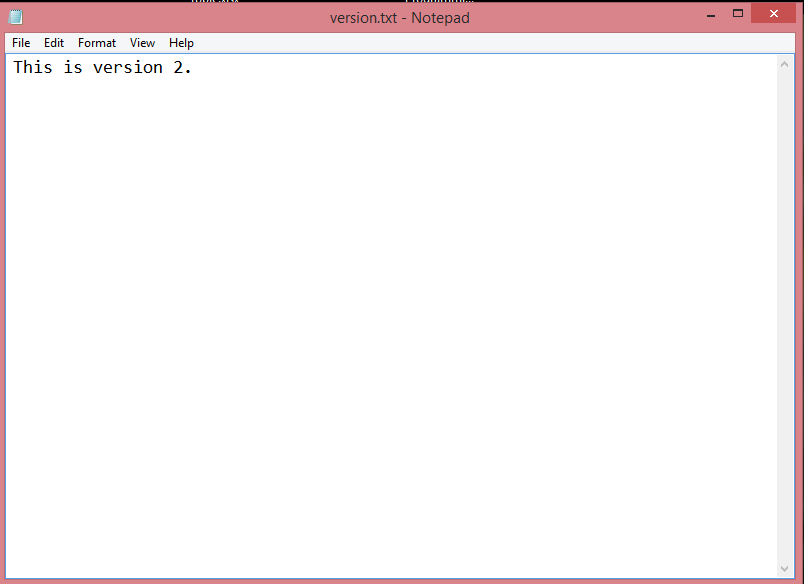
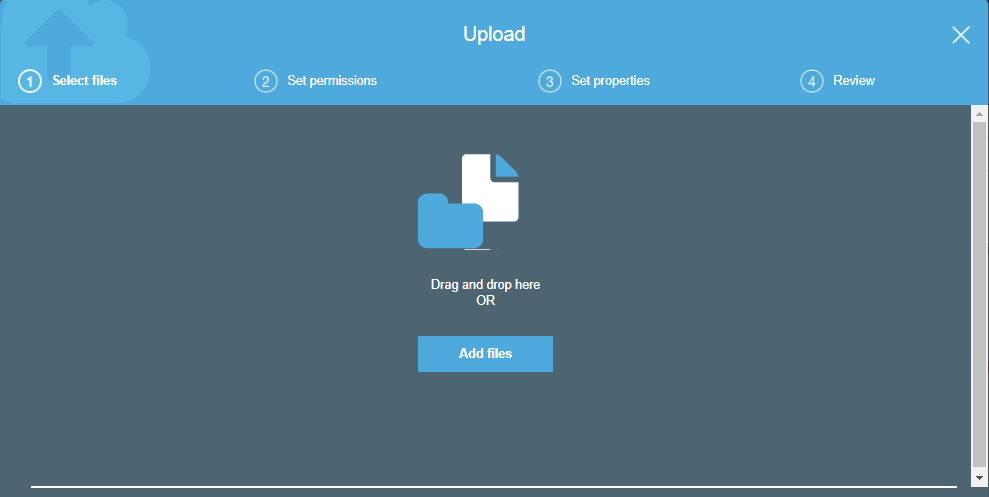
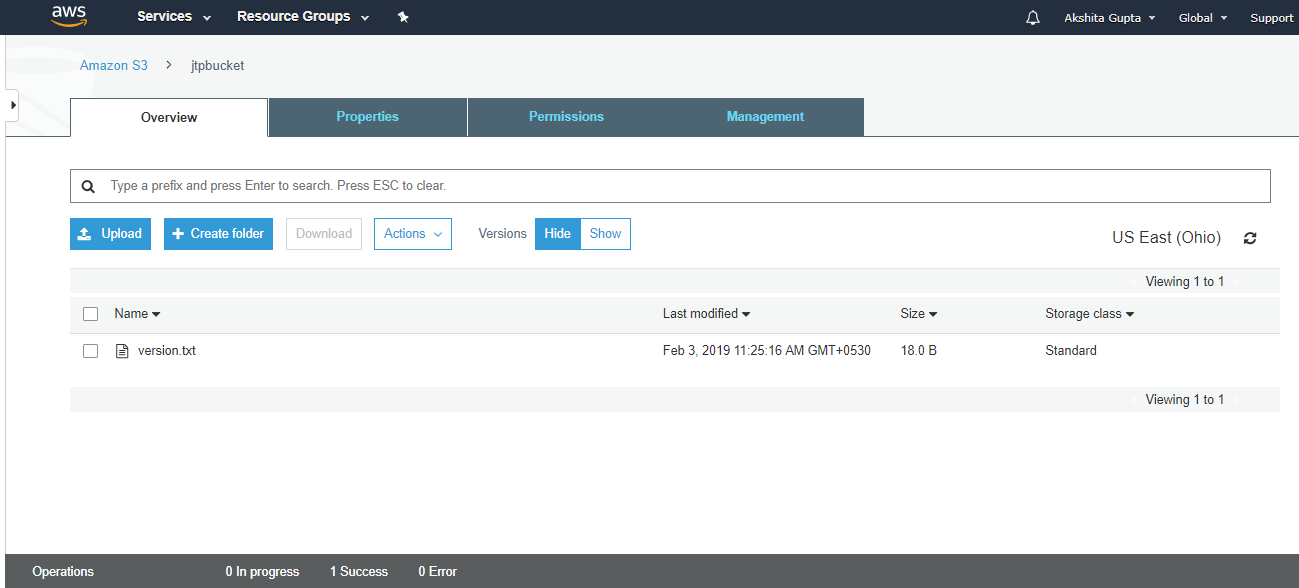
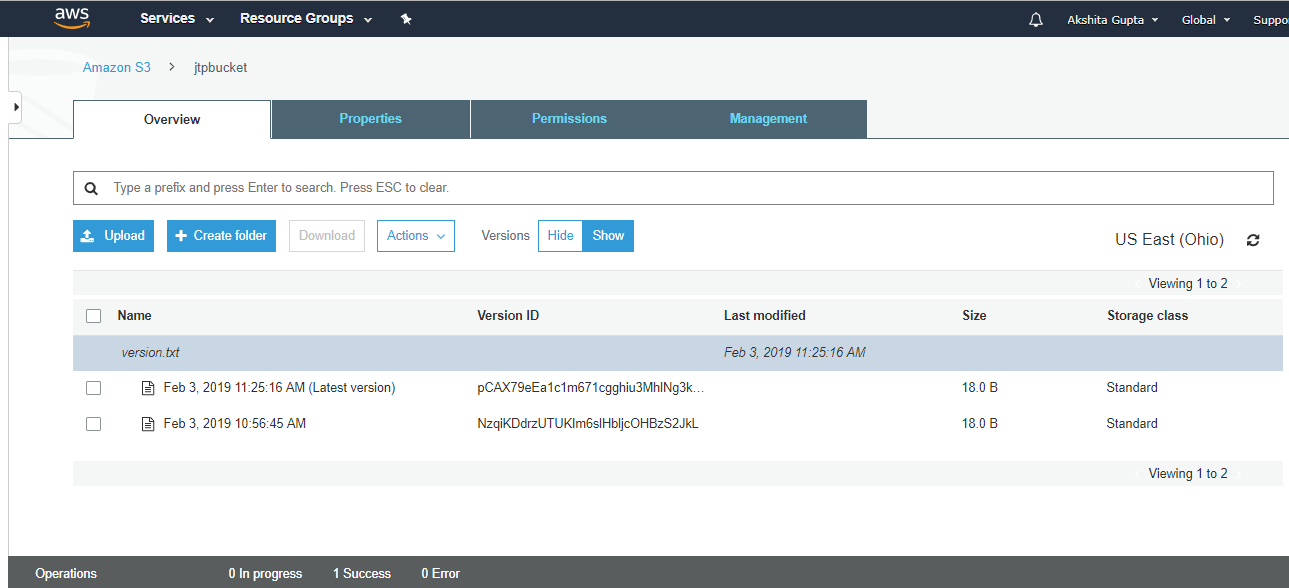
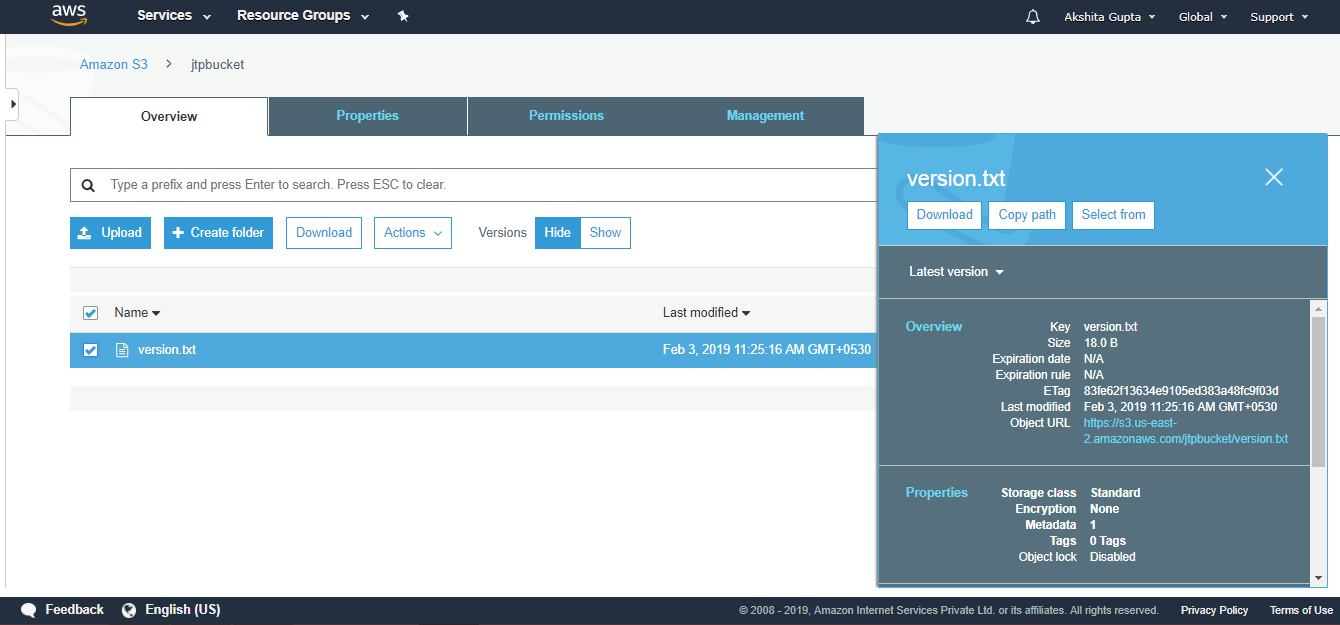
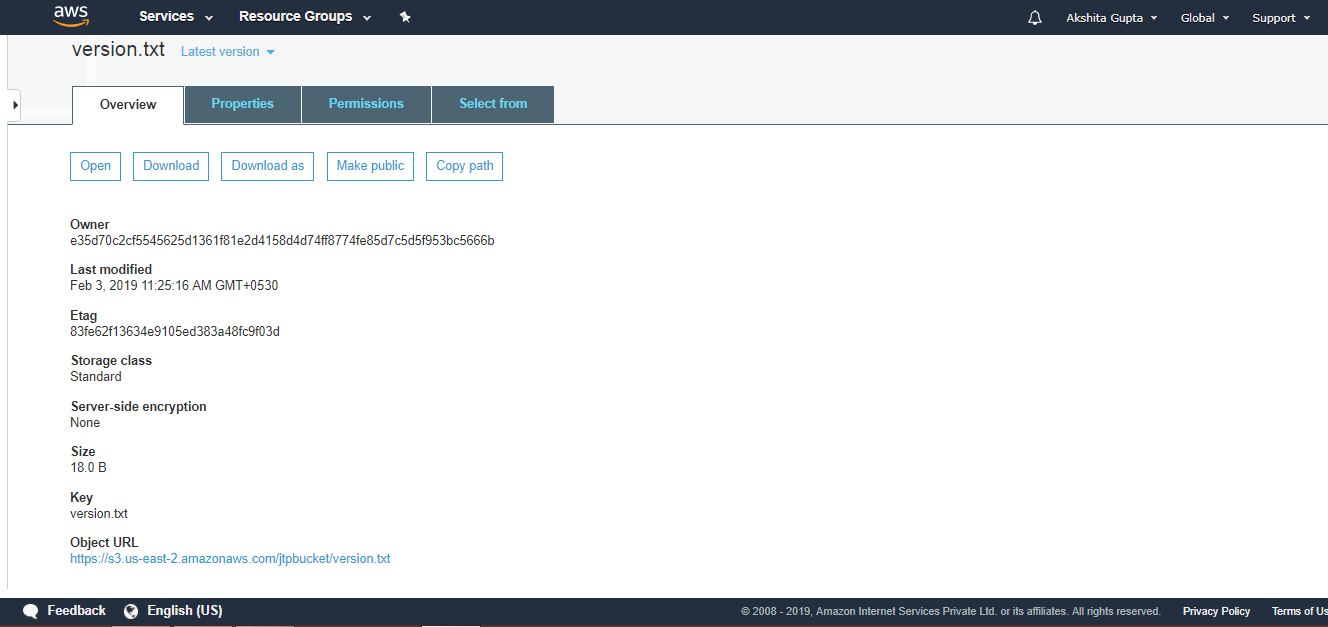
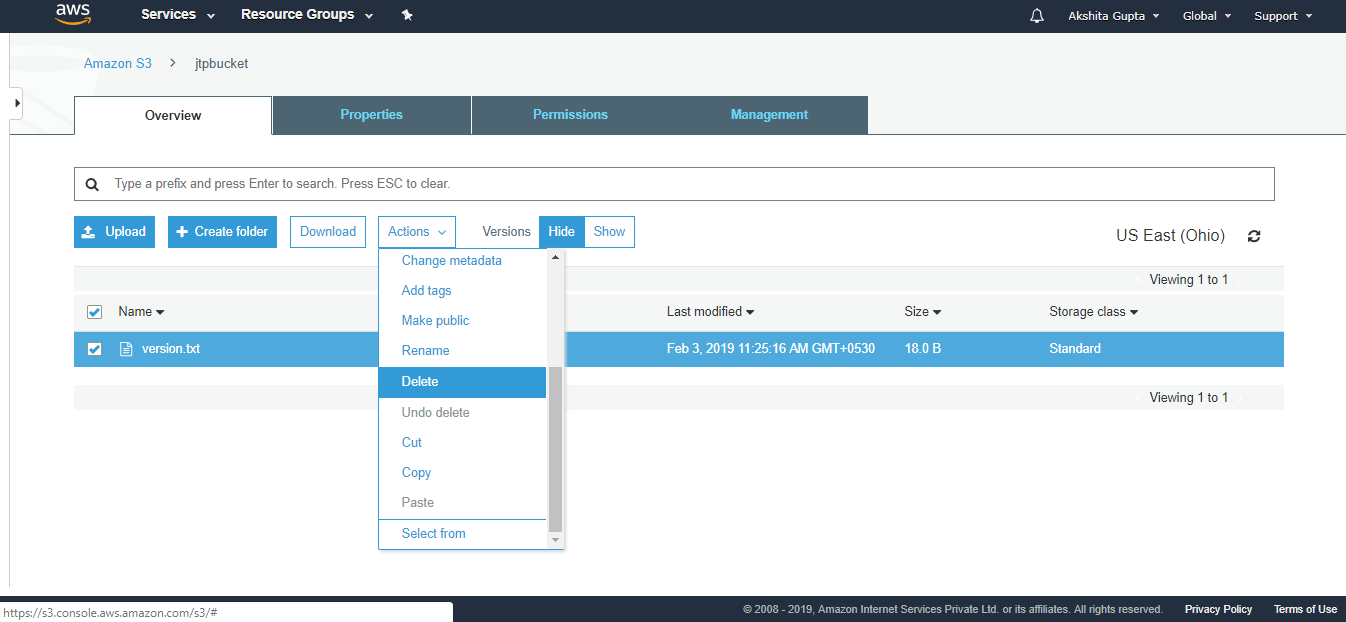
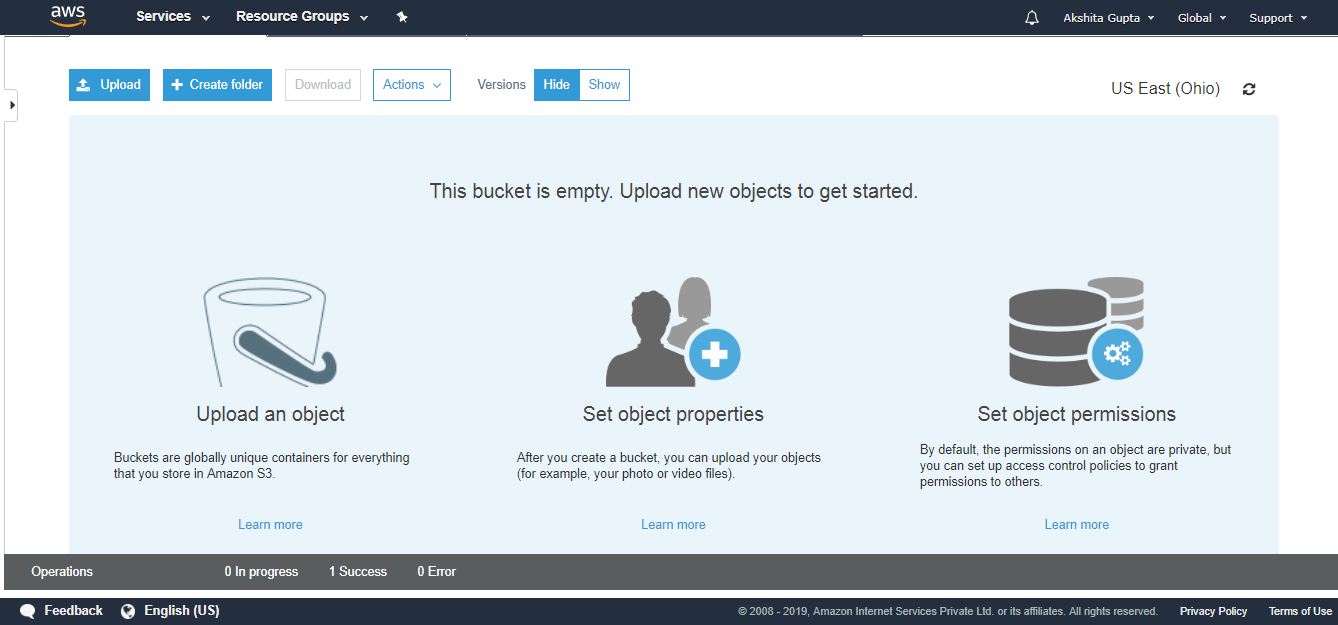
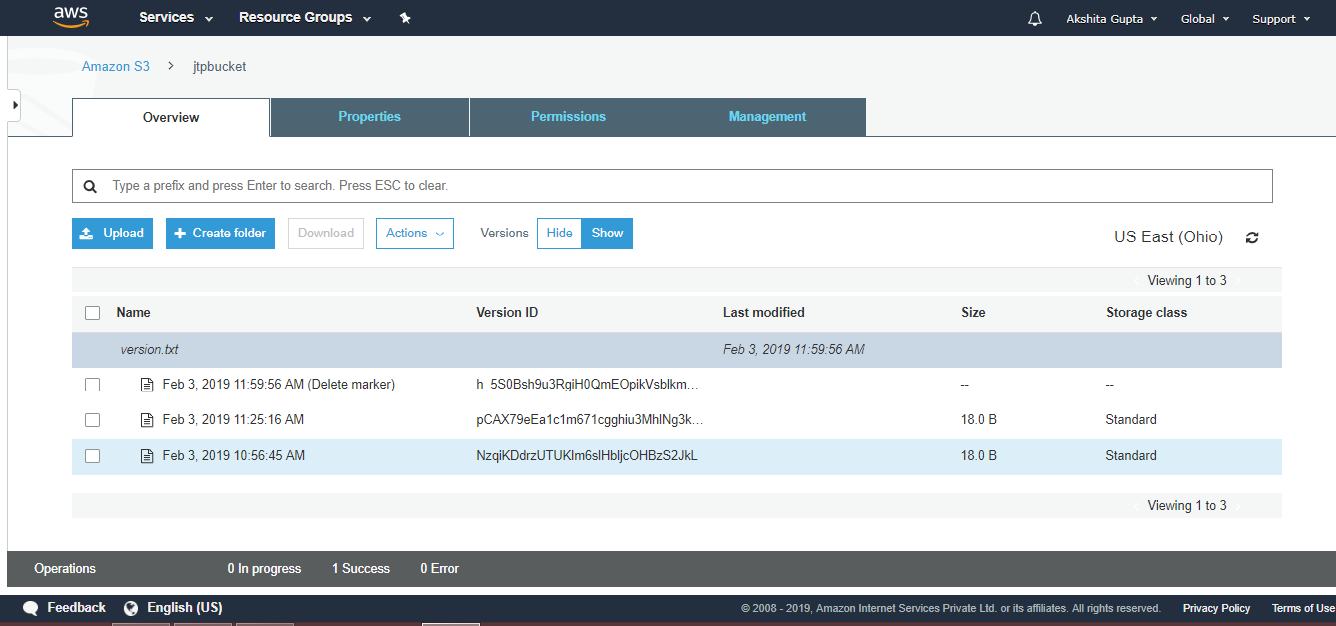
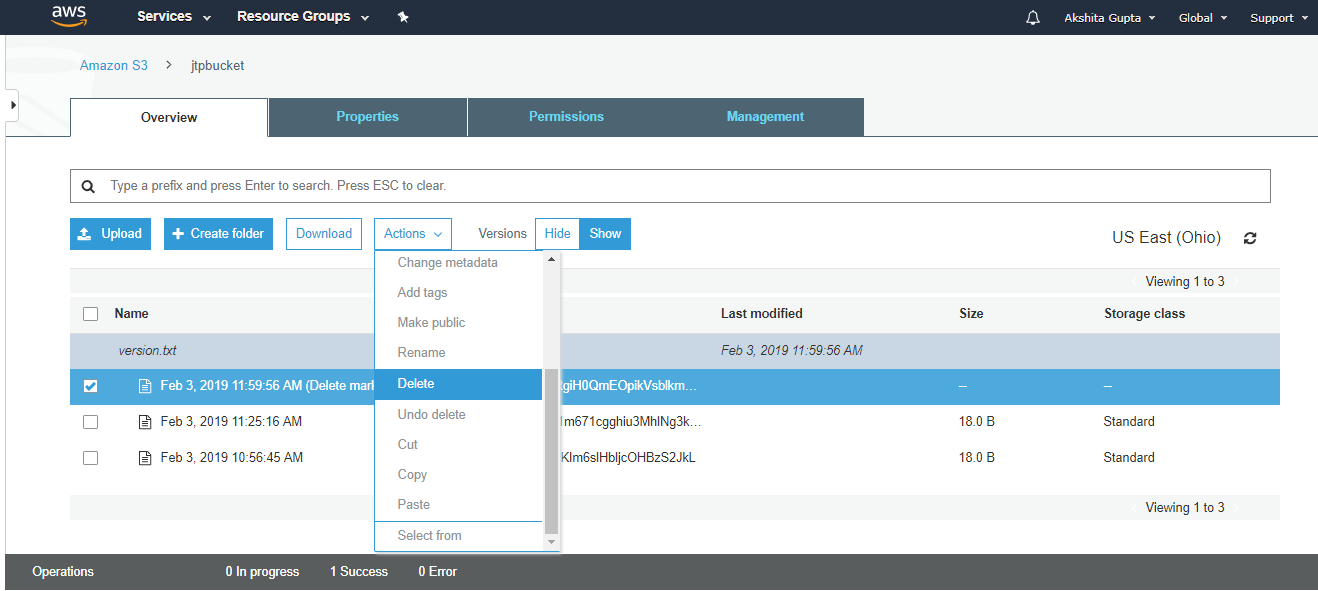
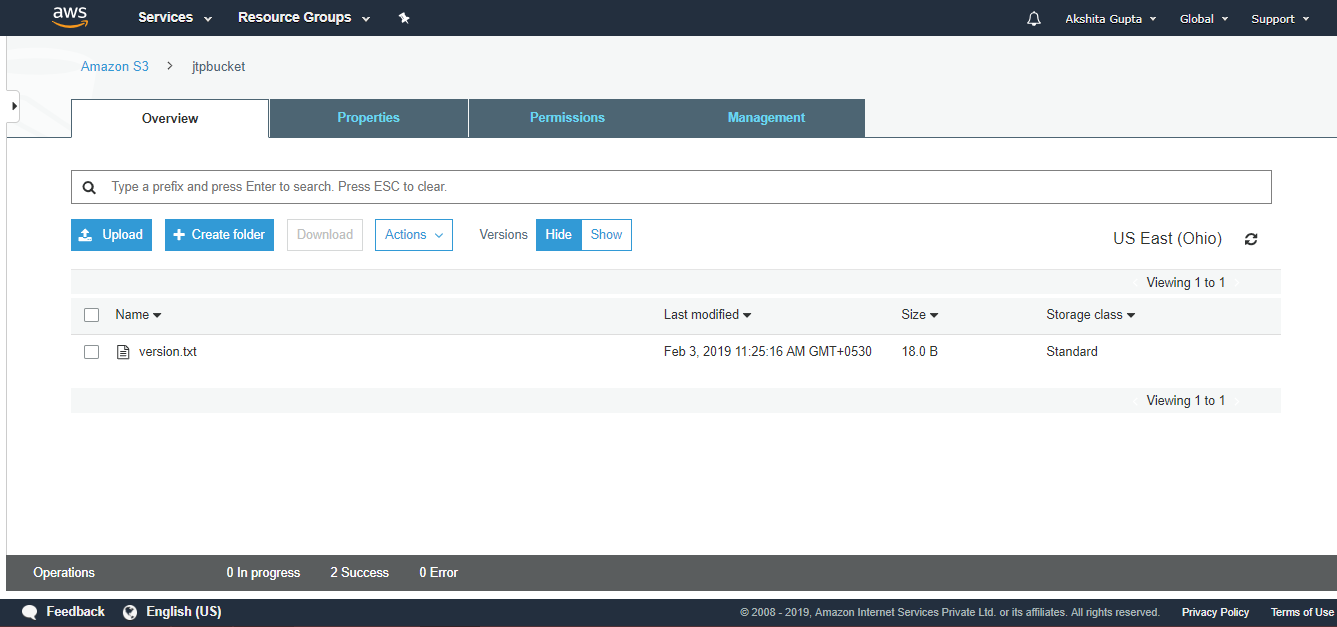
 NETWORKING AND CCNA